







Question: 12. Let's say you have used the encryption and decryption scripts shown in Section 2.11 through the following calls EncryptForFun.py message.txt output.txt DecryptForFun.py output.txt recover.txt
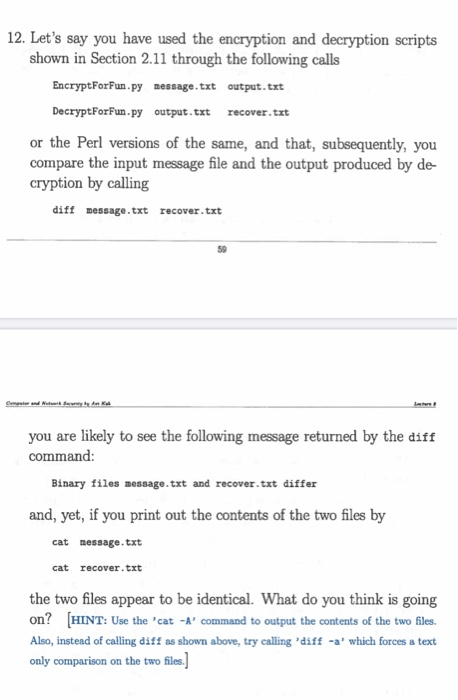
12. Let's say you have used the encryption and decryption scripts shown in Section 2.11 through the following calls EncryptForFun.py message.txt output.txt DecryptForFun.py output.txt recover.txt or the Perl versions of the same, and that, subsequently, you compare the input message file and the output produced by de cryption by calling diff message.txt recover.txt you are likely to see the following message returned by the diff command: Binary files message.txt and recover.txt differ and, yet, if you print out the contents of the two files by cat message.txt cat recover.txt the two files appear to be identical. What do you think is going on? (HINT: Use the 'cat - A' command to output the contents of the two files. Also, instead of calling diff as shown above, try calling 'diff -a' which forces a text only comparison on the two files) 12. Let's say you have used the encryption and decryption scripts shown in Section 2.11 through the following calls EncryptForFun.py message.txt output.txt DecryptForFun.py output.txt recover.txt or the Perl versions of the same, and that, subsequently, you compare the input message file and the output produced by de cryption by calling diff message.txt recover.txt you are likely to see the following message returned by the diff command: Binary files message.txt and recover.txt differ and, yet, if you print out the contents of the two files by cat message.txt cat recover.txt the two files appear to be identical. What do you think is going on? (HINT: Use the 'cat - A' command to output the contents of the two files. Also, instead of calling diff as shown above, try calling 'diff -a' which forces a text only comparison on the two files)
Step by Step Solution
There are 3 Steps involved in it

Get step-by-step solutions from verified subject matter experts
 Study Help