



Question: 14 Insert a calculated field to subtract 2659.72 from the Totals field. Change the custom name to Above or Below Average and apply Accounting number
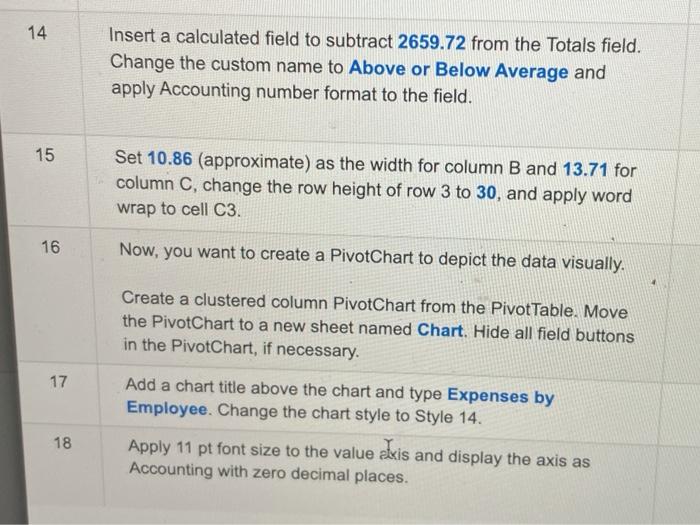
14 Insert a calculated field to subtract 2659.72 from the Totals field. Change the custom name to Above or Below Average and apply Accounting number format to the field. 15 Set 10.86 (approximate) as the width for column B and 13.71 for column C, change the row height of row 3 to 30, and apply word wrap to cell C3. 16 Now, you want to create a PivotChart to depict the data visually. 17 Create a clustered column PivotChart from the Pivot Table. Move the PivotChart to a new sheet named Chart. Hide all field buttons in the PivotChart, if necessary. Add a chart title above the chart and type Expenses by Employee. Change the chart style to Style 14. Apply 11 pt font size to the value axis and display the axis as Accounting with zero decimal places. 18
Step by Step Solution
There are 3 Steps involved in it

Get step-by-step solutions from verified subject matter experts