



Question: 14) Try to save the file in the vi editor. 15) Can you find some error message at the bottom of the screen? If yes,
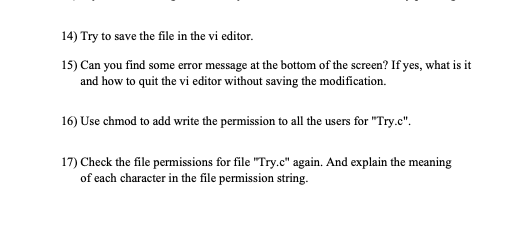
14) Try to save the file in the vi editor. 15) Can you find some error message at the bottom of the screen? If yes, what is it and how to quit the vi editor without saving the modification. 16) Use chmod to add write the permission to all the users for "Try.c". 17) Check the file permissions for file "Try.c" again. And explain the meaning of each character in the file permission string
Step by Step Solution
There are 3 Steps involved in it
1 Expert Approved Answer
Step: 1 Unlock

Question Has Been Solved by an Expert!
Get step-by-step solutions from verified subject matter experts
Step: 2 Unlock
Step: 3 Unlock