







Question: 16. Add the First Error Message You should add an error message to the first assert statement. This error message should tell the user that
16. Add the First Error Message You should add an error message to the first assert statement. This error message should tell the user that the argument is not a string. For example, if you call second_in_list(12) then the last line of the error message should be AssertionError: The value 12 is not a string. And if you call second_in_list(True) then the last line should be AssertionError: The value True is not a string. Remember, you do not need to include "AssertionError: " in your error message. That is included automatically. But you do need to add everything else.
(please no if, else, or loops)
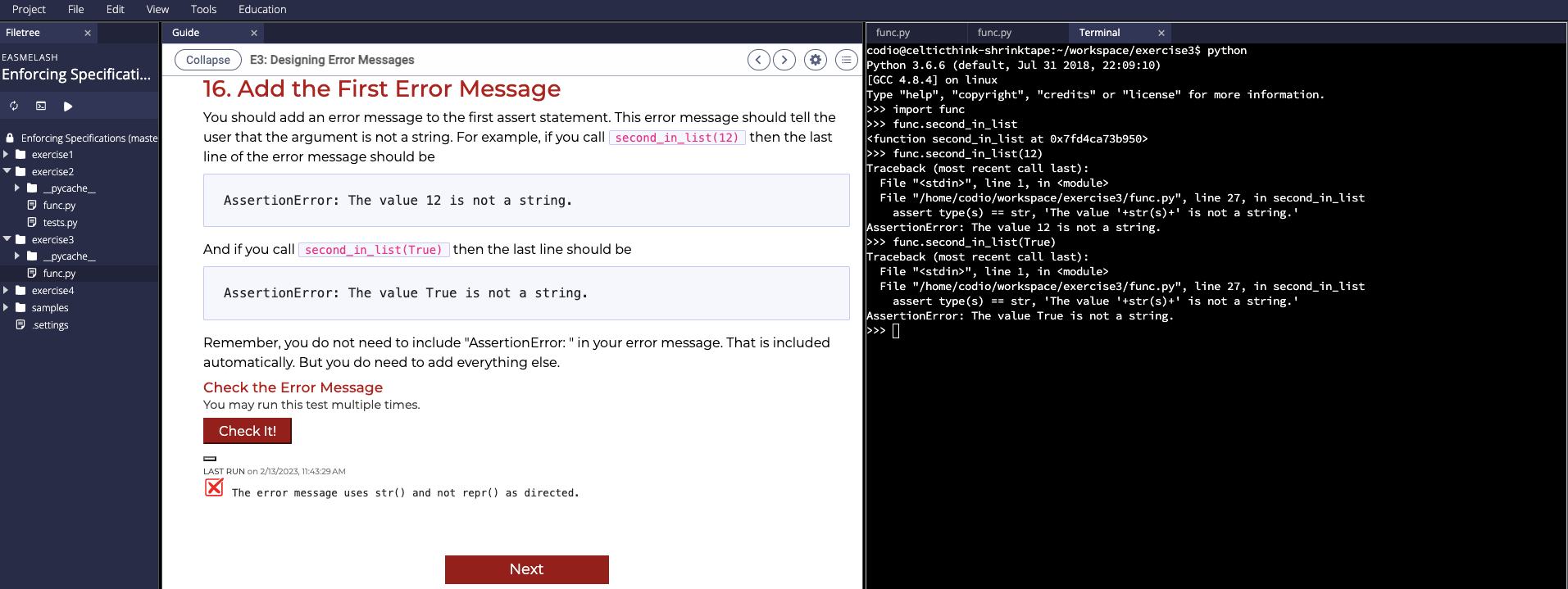
16. Add the First Error Message You should add an error message to the first assert statement. This error message should tell the user that the argument is not a string. For example, if you call second_in_list(12) then the last line of the error message should be func.second_in_list(12) Traceback (most recent call last): AssertionError: The value 12 is not a string. File "", line 1 , in File "/home/codio/workspace/exercise3/func.py", line 27 , in second_in_list assert type(s) == str, 'The value ' +str(s)+ is not a string.' AssertionError: The value 12 is not a string. And if you call second_in_list(True) then the last line should be > func.second_in_list(True) Traceback (most recent call last): Assertionerror: The value True is not a string. File "", line 1 , in File "/home/codio/workspace/exercise3/func.py", line 27, in second_in_list assert type(s) == str, 'The value '+str(s)+' is not a string.' AssertionError: The value True is not a string. Remember, you do not need to include "AssertionError: " in your error message. That is included D automatically. But you do need to add everything else. Check the Error Message You may run this test multiple times. LAST RUN on 2/13/2023, 11:43:29 AM The error message uses str() and not repr() as directed
Step by Step Solution
There are 3 Steps involved in it

Get step-by-step solutions from verified subject matter experts
 Study Help