







Question: 17) Here are the highest numbers for each bin: Bins: Frequency: 18) Follow the instructions in the youtube videos to use the =FREQUENCY() array function
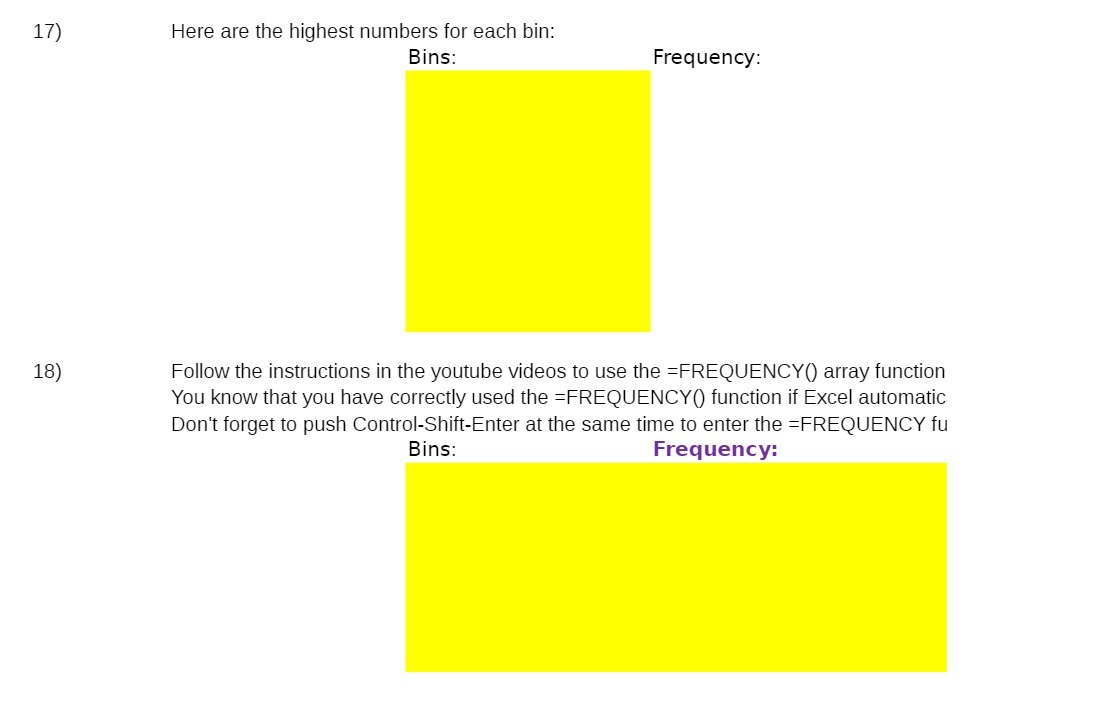
17) Here are the highest numbers for each bin: Bins: Frequency: 18) Follow the instructions in the youtube videos to use the =FREQUENCY() array function You know that you have correctly used the =FREQUENCY() function if Excel automatic Don't forget to push Control-Shift-Enter at the same time to enter the =FREQUENCY fu Bins: Frequency
Step by Step Solution
There are 3 Steps involved in it
1 Expert Approved Answer
Step: 1 Unlock

Question Has Been Solved by an Expert!
Get step-by-step solutions from verified subject matter experts
Step: 2 Unlock
Step: 3 Unlock
 Study Help