







Question: 18. Select all the query fields in the query. Link the subform to frmMain using DepartureID 19. Delete the default label control that names the
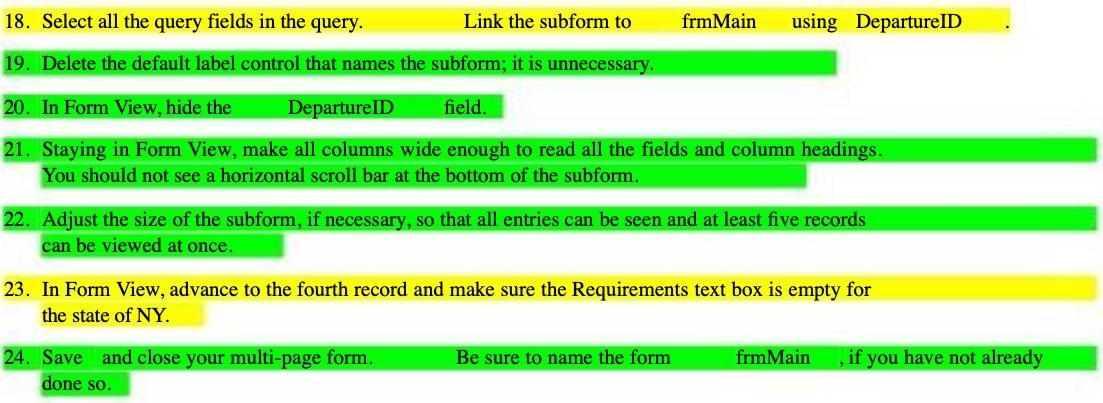
18. Select all the query fields in the query. Link the subform to frmMain using DepartureID 19. Delete the default label control that names the subform; it is unnecessary. 20. In Form View, hide the DepartureID field. 21. Staying in Form View, make all columns wide enough to read all the fields and column headings. You should not see a horizontal scroll bar at the bottom of the subform. 22. Adjust the size of the subform, if necessary, so that all entries can be seen and at least five records can be viewed at once. 23. In Form View, advance to the fourth record and make sure the Requirements text box is empty for the state of NY. 24. Save and close your multi-page form. Be sure to name the form frmMain , if you have not already done so
Step by Step Solution
There are 3 Steps involved in it

Get step-by-step solutions from verified subject matter experts
 Study Help