







Question: 191 2: Creating a Graphical User Interface in Java lab, you create a graphical user interface in a partially completed Java program. The am should
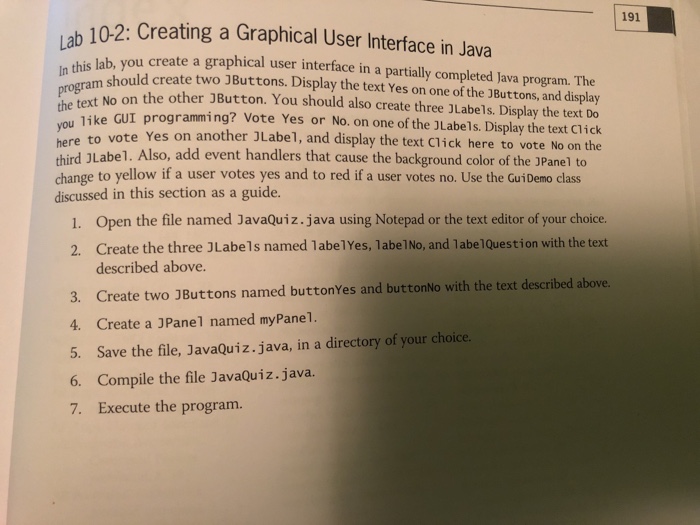
191 2: Creating a Graphical User Interface in Java lab, you create a graphical user interface in a partially completed Java program. The am should create two JButtons. Display the text Yes on one of the 3Buttons, and display ro No on the other JButton. You should also create three JLabels. Display the text Do ike GUI programming? Vote Yes or No. on one of the JLabels. Display the text Click Yes on another JLabe1, and display the text Click here to vote No on the here to vote third JLabe1. Also, add event handlers that cause the background color of the JPanel to change to yellow if a user votes yes and to red if a user votes no. Use the GuiDemo class discussed in this section as a guide. 1. Open the file named JavaQuiz.java using Notepad or the text editor of your choice. 2. Create the three JLabels named labelYes, labe1No, and labe1Question with the text described above. 3. Create two JButtons named buttonYes and buttonNo with the text described above 4. Create a JPanel named myPanel. 5. Save the file, JavaQuiz.java, in a directory of your choice. 6. Compile the file JavaQuiz.java. 7. Execute the program
Step by Step Solution
There are 3 Steps involved in it

Get step-by-step solutions from verified subject matter experts
 Study Help