







Question: 1R: Cheg expert provided partial correct answer. Did not provide details of Drop down i asked for and correct values... Please review again. Blossom Company
 1R: Cheg expert provided partial correct answer. Did not provide details of Drop down i asked for and correct values... Please review again. Blossom Company
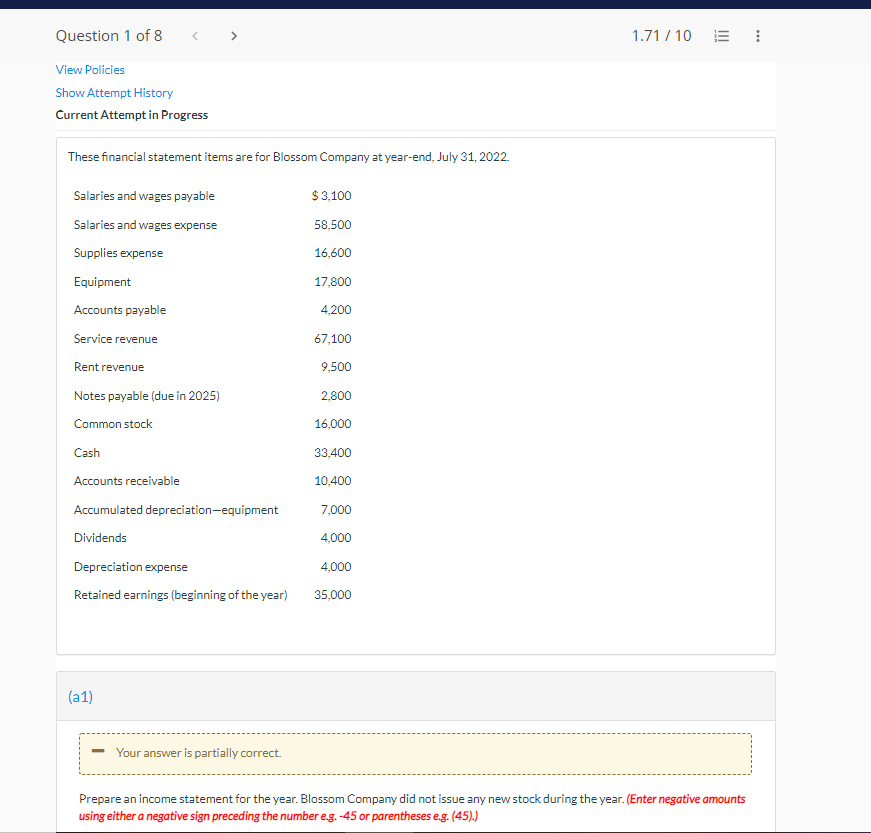
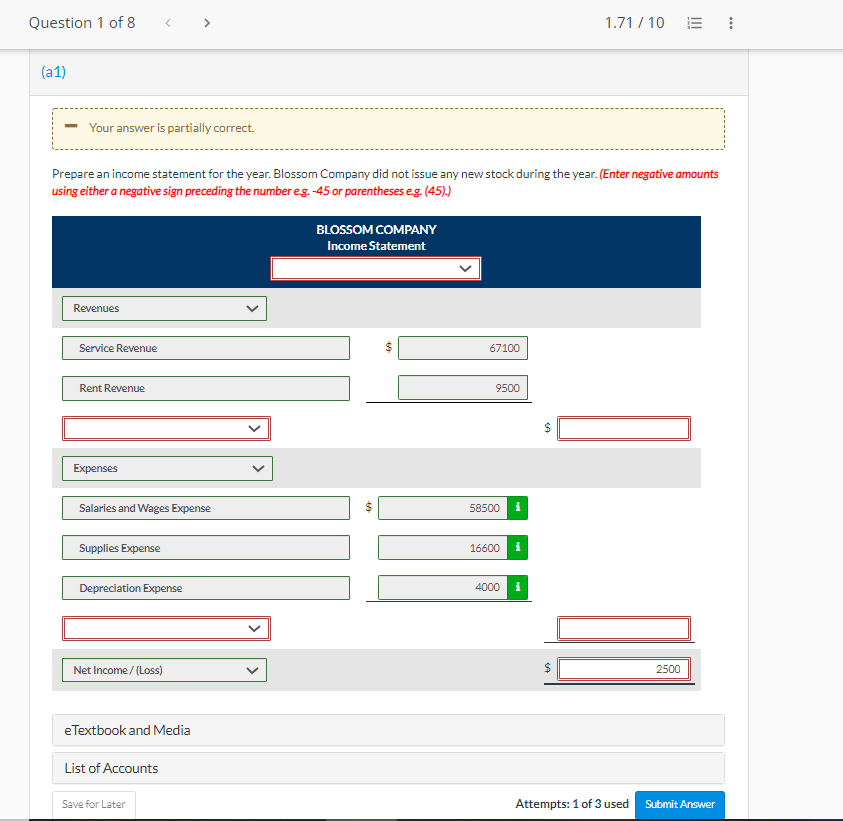
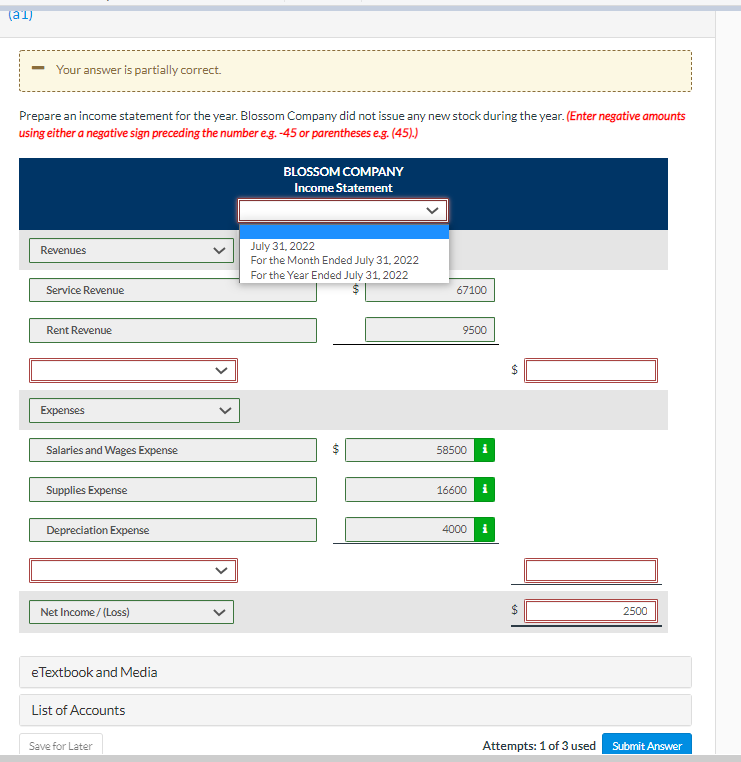
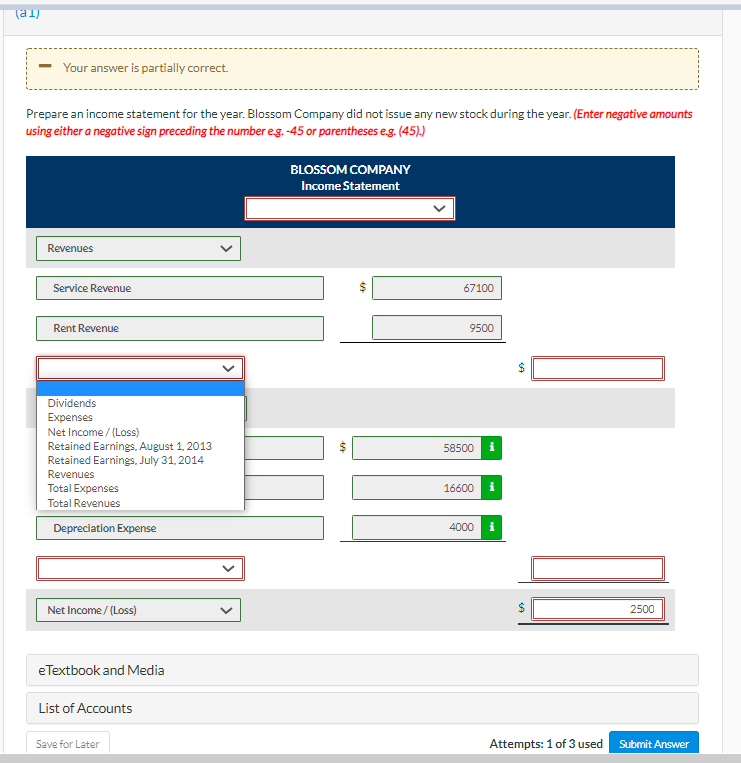
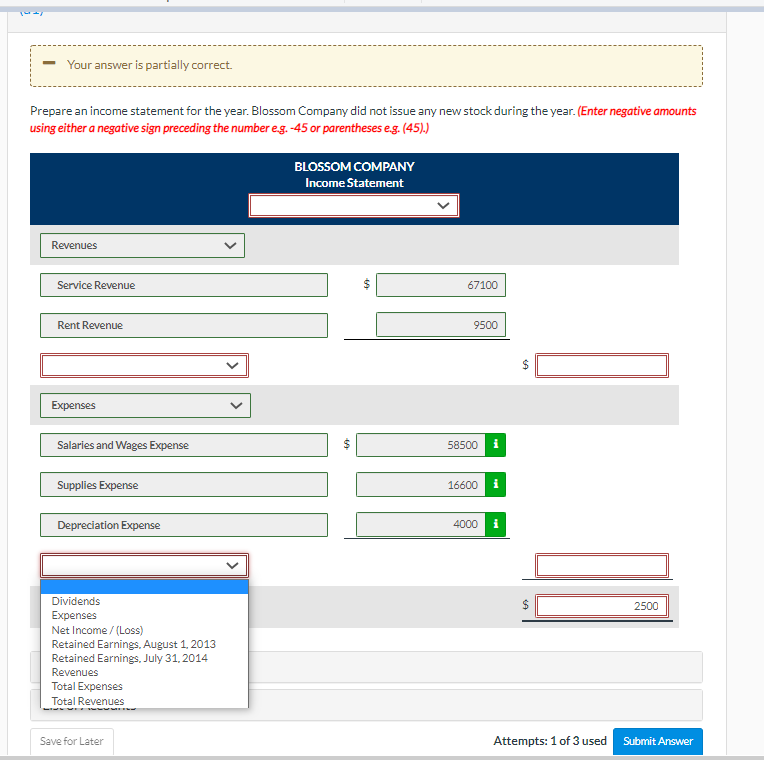
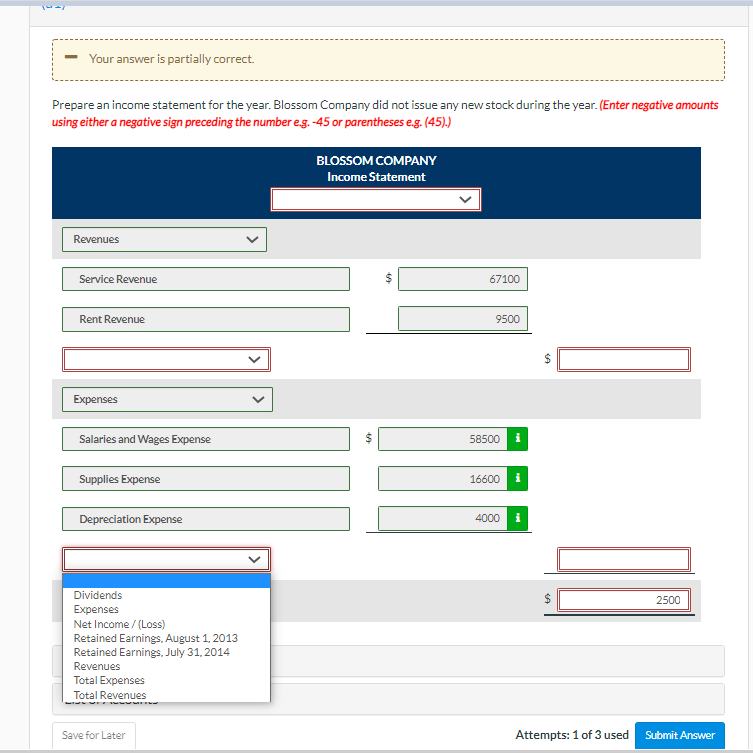
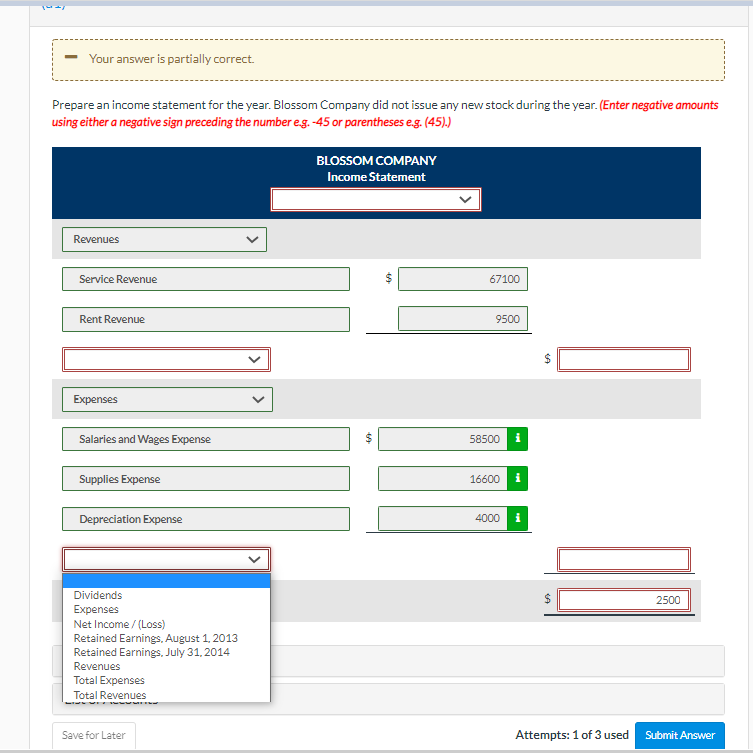
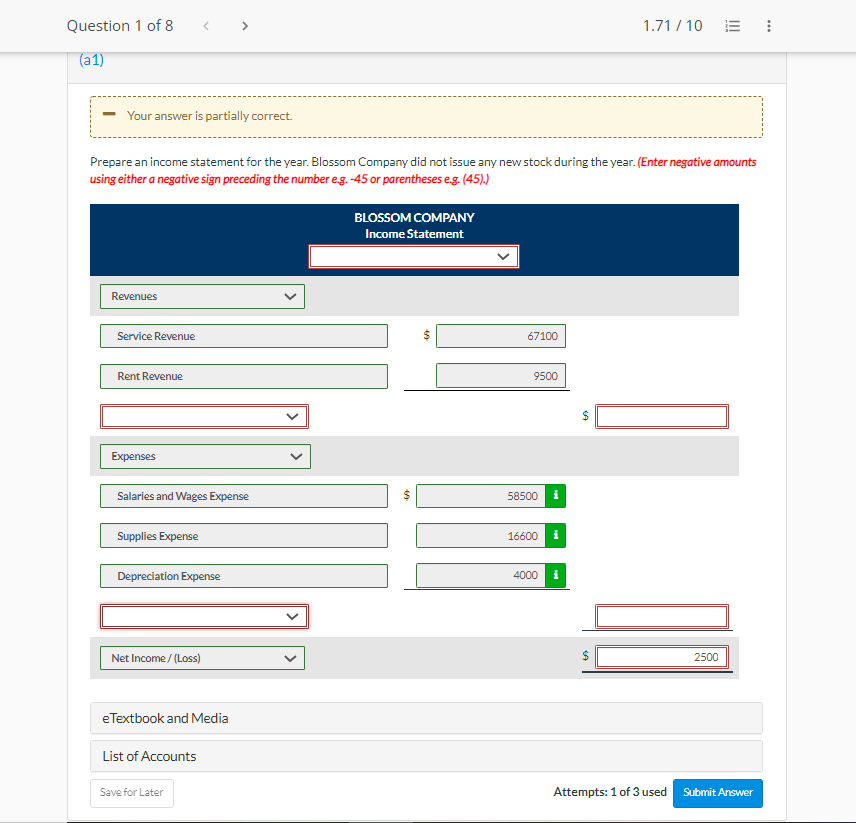
View Policies Show Attempt History Current Attempt in Progress These financial statement items are for Blossom Company at year-end, July 31,2022. (a1) - Your answer is partially correct. Prepare an income statement for the year. Blossom Company did not issue any new stock during the year. (Enter negative amounts using either a negative sign preceding the number e.g. 45 or parentheses e.g. (45).) Attempts: 1 of 3 used Prepare an income statement for the year. Blossom Company did not issue any new stock during the year. (Enter negative amoun Prepare an income statement for the year. Blossom Company did not issue any new stock during the year. (Enter negative amoun Prepare an income statement for the vear. Blossom Companv did not issue anv new stock during the vear. (Enter negative amount Prepare an income statement for the vear. Blossom Companv did not issue anv new stock during the vear. (Enter negative amount
Step by Step Solution
There are 3 Steps involved in it

Get step-by-step solutions from verified subject matter experts
 Study Help