







Question: 1)You would like to use a lookup function on the Payment Info worksheet to determine the annual percentage rate (APR) of homes financed based on
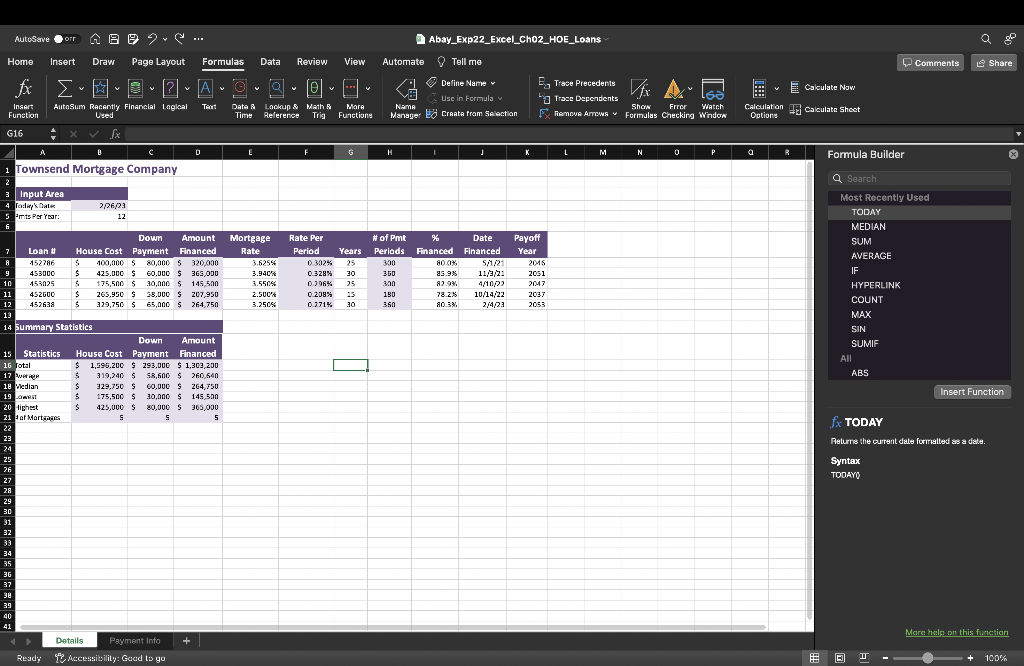
1)You would like to use a lookup function on the Payment Info worksheet to determine the annual percentage rate (APR) of homes financed based on the lookup table in the range D4:E6. Use the XLOOKUP function in cell G9 to determine the APR based on the years financed in cell F9, lookup array in the range D4:D6, and return array in the range E4:E6. Be sure to use the appropriate absolute cell referencing. Then use the fill handle to copy the function down, completing column G.
2)
| Next, you will calculate the total payment for each mortgage financed. Use the PMT function in cell H9 to calculate the monthly payment based on the APR in cell G9, years financed in cell F9, and amount financed in cell D9. Ensure the final value is positive. Use the appropriate absolute cell references and then copy the function down completing the column. |
| 3) For your last step you will determine the monthly personal mortgage insurance (PMI), if applicable. Because not all mortgages require PMI, you will use the IF function. Enter an IF function in cell I9 to determine the monthly PMI, if applicable. The mortgage requires PMI if the percent of down payment is less than 20% (cell B7). If the mortgage requires PMI, it is .38% of the amount financed. Be sure to use the appropriate absolute cell references for the input values and then use the fill handle to copy the function down, completing the column. |
Step by Step Solution
There are 3 Steps involved in it

Get step-by-step solutions from verified subject matter experts
 Study Help