







Question: 2. (10 points) Implement exercise 7-1 in Chapter 7 (To help you find it, a part of the exercise is shown below). You do
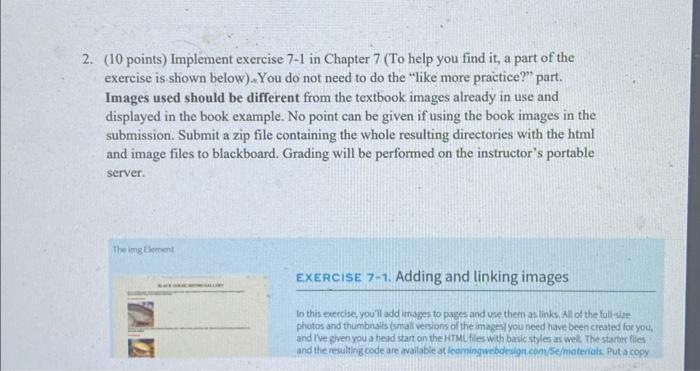
2. (10 points) Implement exercise 7-1 in Chapter 7 (To help you find it, a part of the exercise is shown below). You do not need to do the "like more practice?" part. Images used should be different from the textbook images already in use and displayed in the book example. No point can be given if using the book images in the submission. Submit a zip file containing the whole resulting directories with the html and image files to blackboard. Grading will be performed on the instructor's portable server. The img Element EXERCISE 7-1. Adding and linking images In this exercise, you'll add images to pages and use them as links. All of the full-size photos and thumbnails (small versions of the images you need have been created for you, and I've given you a head start on the HTML files with basic styles as well. The starter files and the resulting code are available at leamingwebdesign.com/se/materials. Put a copy
Step by Step Solution
3.55 Rating (152 Votes )
There are 3 Steps involved in it
To complete this exercise youll need to create an HTML file and include images as links Since I cant ... View full answer

Get step-by-step solutions from verified subject matter experts
 Study Help