







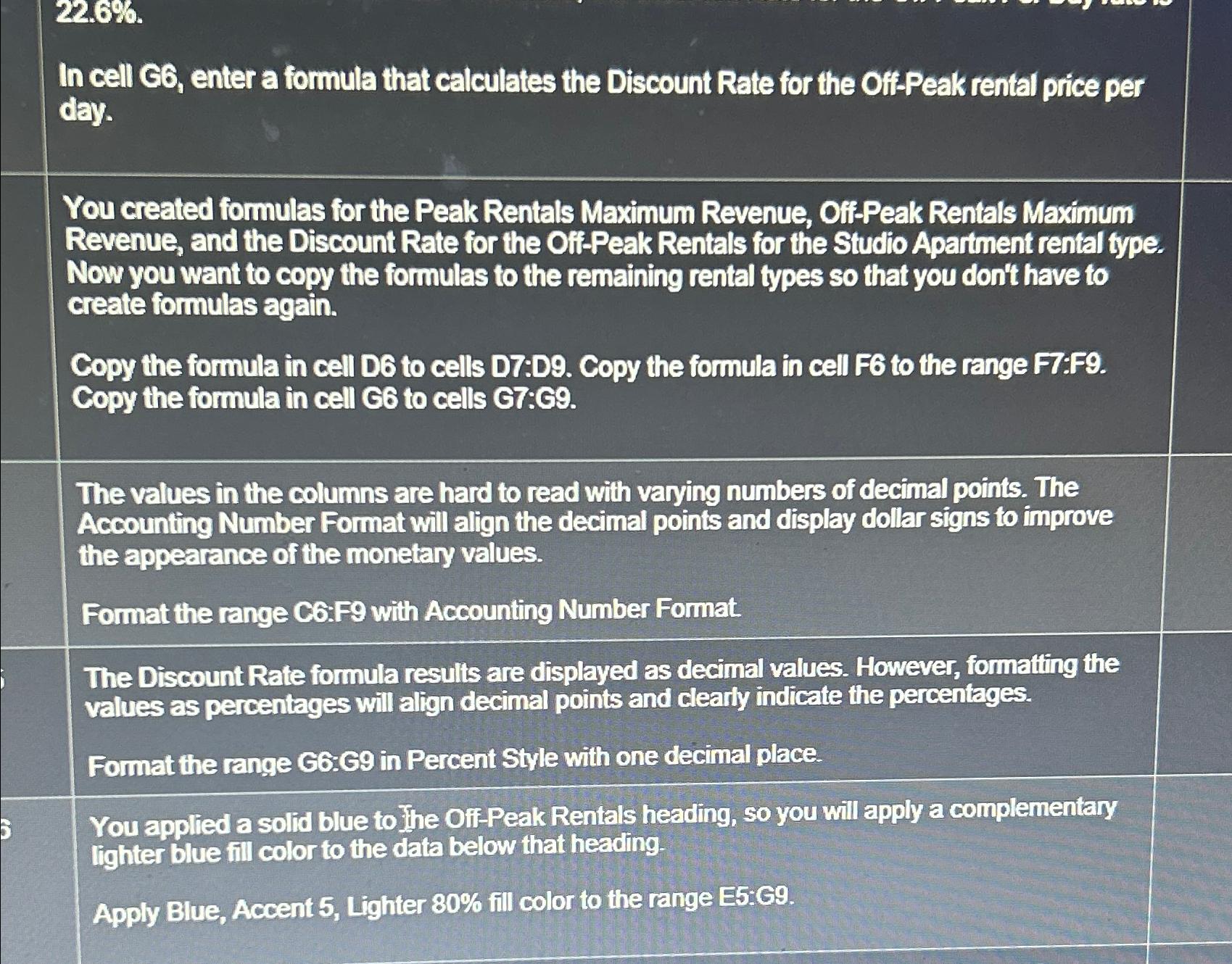
Question: 2 2 . 6 % In cell G 6 , enter a formula that calculates the Discount Rate for the Off - Peak rental price
In cell G enter a formula that calculates the Discount Rate for the OffPeak rental price per day.
You created formulas for the Peak Rentals Maximum Revenue, OffPeak Rentals Maximum Revenue, and the Discount Rate for the OffPeak Rentals for the Studio Apartment rental type. Now you want to copy the formulas to the remaining rental types so that you don't have to create formulas again.
Copy the formula in cell D to cells D:D Copy the formula in cell F to the range F:F Copy the formula in cell G to cells G:C
The values in the columns are hard to read with varying numbers of decimal points. The Accounting Number Format will align the decimal points and display dollar signs to improve the appearance of the monetary values.
Format the range C:F with Accounting Number Format.
The Discount Rate formula results are displayed as decimal values. However, formatting the values as percentages will align decimal points and clearly indicate the percentages.
Format the range G:G in Percent Style with one decimal place.
You applied a solid blue to the OffPeak Rentals heading, so you will apply a complementary lighter blue fill color to the data below that heading
Apply Blue, Accent Lighter fill color to the range E:G
Step by Step Solution
There are 3 Steps involved in it
1 Expert Approved Answer
Step: 1 Unlock

Question Has Been Solved by an Expert!
Get step-by-step solutions from verified subject matter experts
Step: 2 Unlock
Step: 3 Unlock
 Study Help