







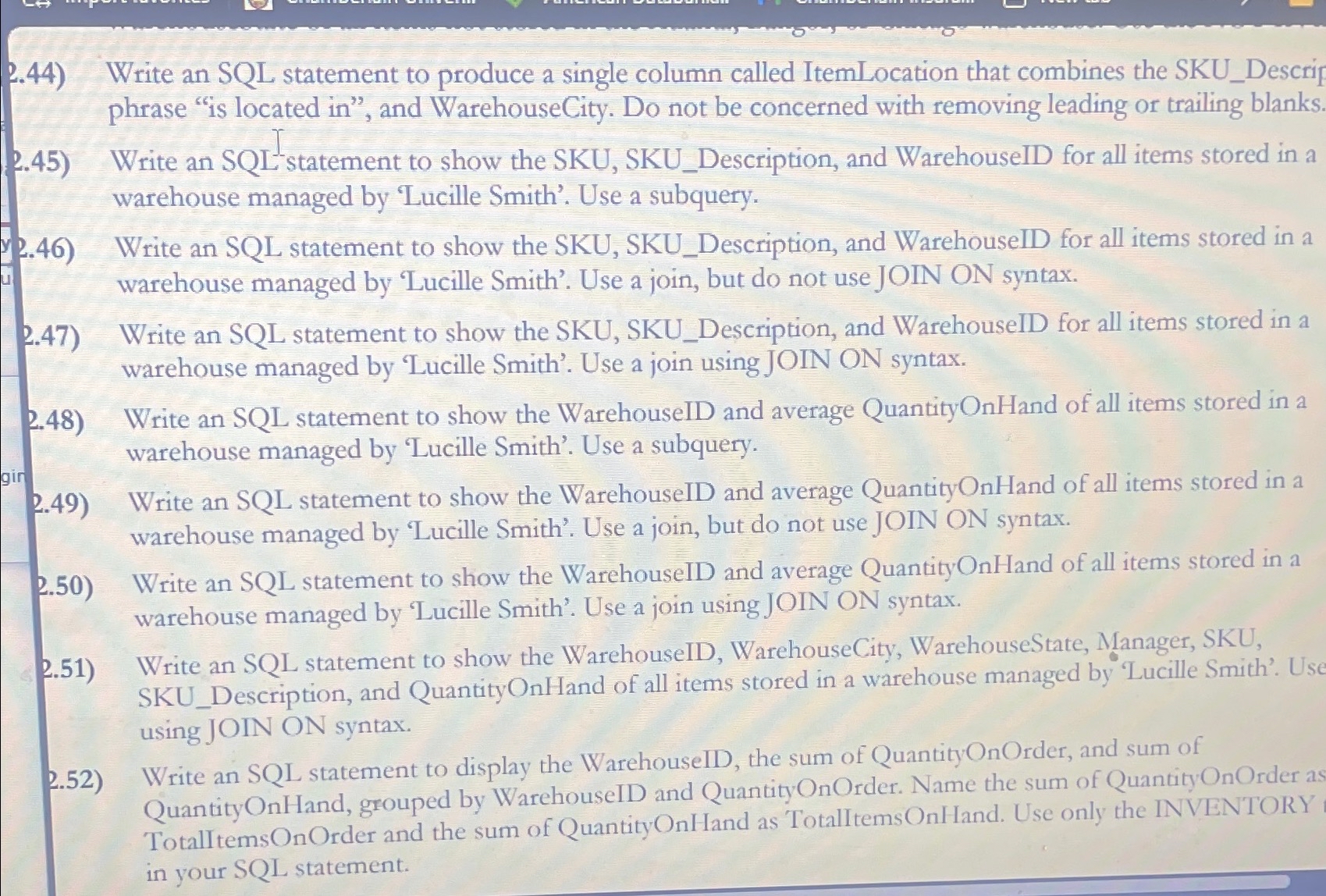
Question: 2 . 4 4 ) Write an SQL statement to produce a single column called ItemLocation that combines the SKU _ Descrip phrase is
Write an SQL statement to produce a single column called ItemLocation that combines the SKUDescrip phrase is located in and WarehouseCity. Do not be concerned with removing leading or trailing blanks.
Write an SQLstatement to show the SKU, SKUDescription, and WarehouseID for all items stored in a warehouse managed by 'Lucille Smith'. Use a subquery.
Write an SQL statement to show the SKU, SKUDescription, and WarehouseID for all items stored in a warehouse managed by 'Lucille Smith'. Use a join, but do not use JOIN ON syntax.
Write an SQL statement to show the SKU, SKUDescription, and WarehouseID for all items stored in a warehouse managed by 'Lucille Smith'. Use a join using JOIN ON syntax.
Write an SQL statement to show the WarehouseID and average QuantityOnHand of all items stored in a warehouse managed by 'Lucille Smith'. Use a subquery.
Write an SQL statement to show the WarehouseID and average QuantityOnHand of all items stored in a warehouse managed by 'Lucille Smith'. Use a join, but do not use JOIN ON syntax.
Write an SQL statement to show the WarehouseID and average QuantityOnHand of all items stored in a warehouse managed by 'Lucille Smith'. Use a join using JOIN ON syntax.
Write an SQL statement to show the WarehouseID, WarehouseCity, WarehouseState, Manager, SKU, SKUDescription, and QuantityOnHand of all items stored in a warehouse managed by 'Lucille Smith'. Usc using JOIN ON syntax.
Write an SQL statement to display the WarehouseID, the sum of QuantityOnOrder, and sum of QuantityOnHand, grouped by WarehouseID and QuantityOnOrder. Name the sum of QuantityOnOrder as TotalltemsOnOrder and the sum of QuantityOnHand as TotalItemsOnHand. Use only the INVENTORY in your SQL statement.
Step by Step Solution
There are 3 Steps involved in it
1 Expert Approved Answer
Step: 1 Unlock

Question Has Been Solved by an Expert!
Get step-by-step solutions from verified subject matter experts
Step: 2 Unlock
Step: 3 Unlock
 Study Help