







Question: 2. Connect the motion sensor to the SparkLink interface. Connect the interface to the laptop. Click on the PHY 280 folder and open the
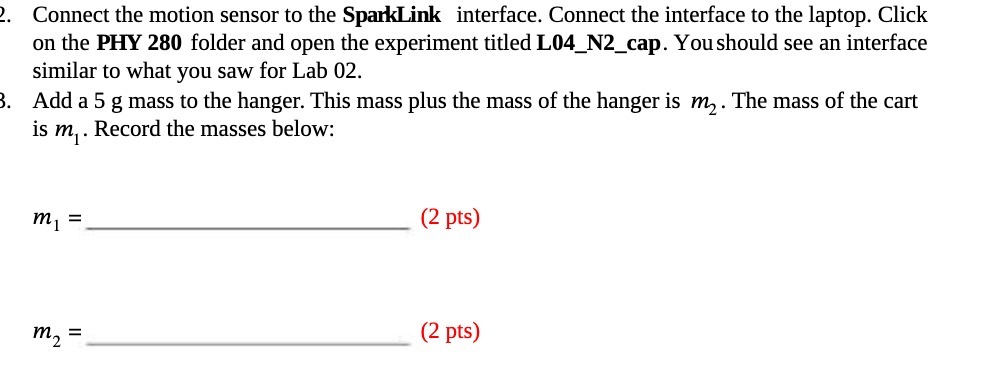
2. Connect the motion sensor to the SparkLink interface. Connect the interface to the laptop. Click on the PHY 280 folder and open the experiment titled L04_N2_cap. You should see an interface similar to what you saw for Lab 02. 3. Add a 5 g mass to the hanger. This mass plus the mass of the hanger is m. The mass of the cart is m. Record the masses below: m = (2 pts) = (2 pts)
Step by Step Solution
There are 3 Steps involved in it
1 Expert Approved Answer
Step: 1 Unlock

Question Has Been Solved by an Expert!
Get step-by-step solutions from verified subject matter experts
Step: 2 Unlock
Step: 3 Unlock
 Study Help