







Question: 2) create a simple app in Android Studio. It will provide you with an onCreate) method 3) Modify the onCreate) method to add the following
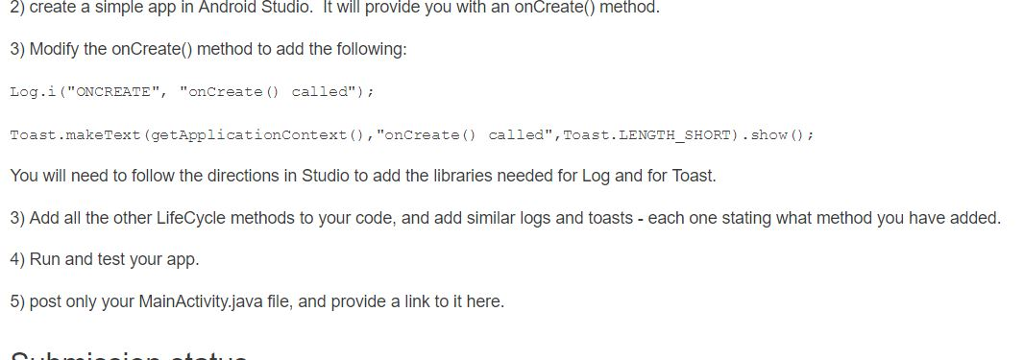
2) create a simple app in Android Studio. It will provide you with an onCreate) method 3) Modify the onCreate) method to add the following Log.i("ONCREATE", "onCreate() called" ); Toast.makeText (getApplicationcontext), "oncreate) called", Toast.LENGTH_SHORT) . show You will need to follow the directions in Studio to add the libraries needed for Log and for Toast. all the other LifeCycle methods to your code, and add similar logs and toasts - each one stating what method vou have 4) Run and test your app. 5) post only your MainActivity.java file, and provide a link to it here
Step by Step Solution
There are 3 Steps involved in it
1 Expert Approved Answer
Step: 1 Unlock

Question Has Been Solved by an Expert!
Get step-by-step solutions from verified subject matter experts
Step: 2 Unlock
Step: 3 Unlock
 Study Help