







Question: 2. create and run a C++ program with three variables hardcoded into the software, something like this: String name = Joe Smith; String major =
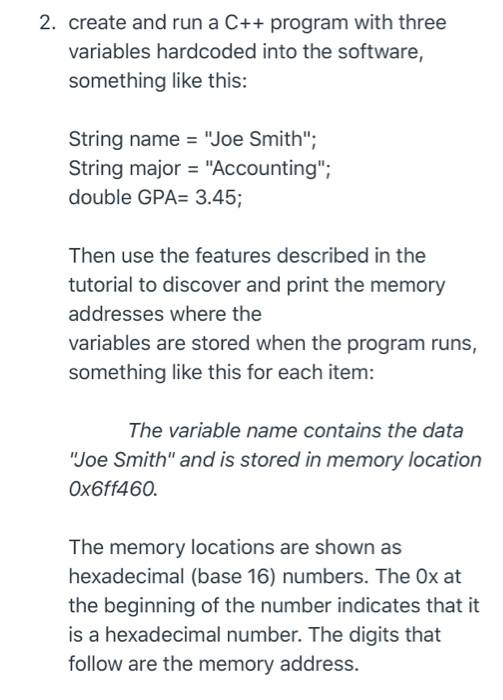
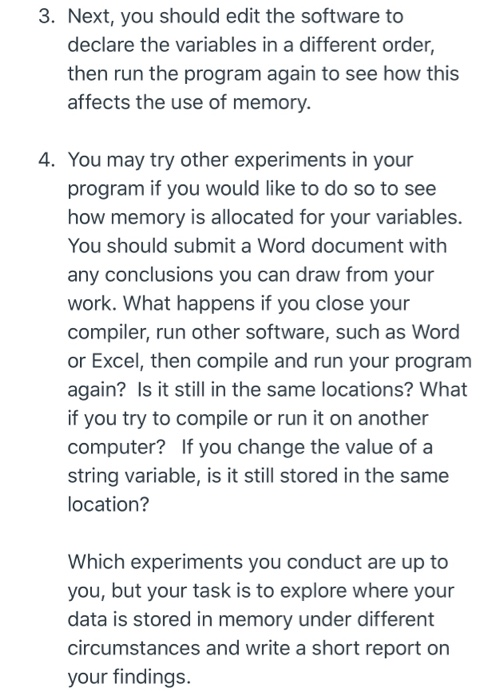
2. create and run a C++ program with three variables hardcoded into the software, something like this: String name = "Joe Smith"; String major = "Accounting"; double GPA= 3.45; Then use the features described in the tutorial to discover and print the memory addresses where the variables are stored when the program runs, something like this for each item: The variable name contains the data "Joe Smith" and is stored in memory location Ox6ff460. The memory locations are shown as hexadecimal (base 16) numbers. The Ox at the beginning of the number indicates that it is a hexadecimal number. The digits that follow are the memory address. 3. Next, you should edit the software to declare the variables in a different order, then run the program again to see how this affects the use of memory. 4. You may try other experiments in your program if you would like to do so to see how memory is allocated for your variables. You should submit a Word document with any conclusions you can draw from your work. What happens if you close your compiler, run other software, such as Word or Excel, then compile and run your program again? Is it still in the same locations? What if you try to compile or run it on another computer? If you change the value of a string variable, is it still stored in the same location? Which experiments you conduct are up to you, but your task is to explore where your data is stored in memory under different circumstances and write a short report on your findings. You should submit your report. You do not need to submit your entire source code, but may include snippets from your code in your report to describe your work
Step by Step Solution
There are 3 Steps involved in it

Get step-by-step solutions from verified subject matter experts
 Study Help