





Question: 2. Filter & Download: clean up the data set by deleting invalid records that do not have complete information of a store. . Set up
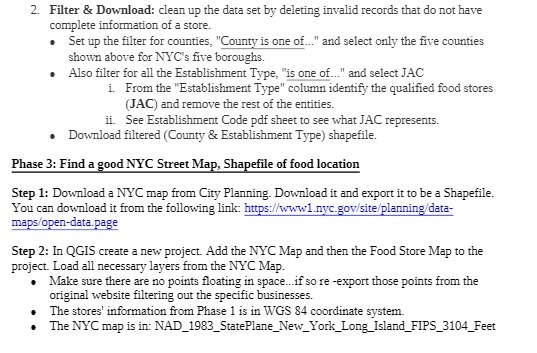
2. Filter & Download: clean up the data set by
2. Filter & Download: clean up the data set by deleting invalid records that do not have complete information of a store. . Set up the filter for counties, "County is one of..." and select only the five counties shown above for NYC's five boroughs. Also filter for all the Establishment Type, "is one of..." and select JAC i. From the "Establishment Type" column identify the qualified food stores (JAC) and remove the rest of the entities. ii. See Establishment Code pdf sheet to see what JAC represents. . Download filtered (County & Establishment Type) shapefile. Phase 3: Find a good NYC Street Map, Shapefile of food location Step 1: Download a NYC map from City Planning. Download it and export it to be a Shapefile. You can download it from the following link: https://www1.nyc.gov/site/planning/data- maps/open-data.page Step 2: In QGIS create a new project. Add the NYC Map and then the Food Store Map to the project. Load all necessary layers from the NYC Map. Make sure there are no points floating in space...if so re -export those points from the original website filtering out the specific businesses. The stores' information from Phase 1 is in WGS 84 coordinate system. The NYC map is in: NAD_1983_StatePlane_New_York_Long_Island_FIPS_3104_Feet

Step by Step Solution

There are 3 Steps involved in it

1 Expert Approved Answer
Step: 1 Unlock blur-text-image

Question Has Been Solved by an Expert!

Get step-by-step solutions from verified subject matter experts

Step: 2 Unlock
Step: 3 Unlock

Students Have Also Explored These Related Mathematics Questions!