







Question: - + 2 I Page 1 Capstone Exercise Fit to page My Lab Grader The Human Resources Department asked you to assist them in updating
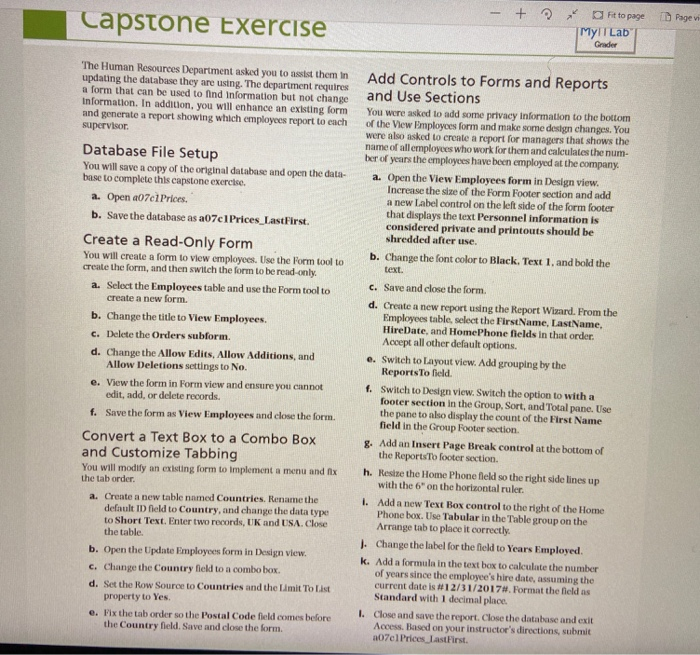
- + 2 I Page 1 Capstone Exercise Fit to page My Lab Grader The Human Resources Department asked you to assist them in updating the database they are using. The department requires a form that can be used to find Information but not change Information. In addition, you will enhance an existing form and generate a report showing which employees report to each supervisor Database File Setup You will save a copy of the original database and open the data- base to complete this capstone exercise. a. Open 207c1 Prices. b. Save the database as a07c 1 Prices_LastFirst. Create a Read-Only Form You will create a form to view employees. Use the form tool to create the form, and then switch the form to be read-only. a. Select the Employees table and use the Form tool to create a new form. b. Change the title to View Employees. c. Delete the Orders subform. d. Change the Allow Edits, Allow Additions, and Allow Deletions settings to No. e. View the form in Form view and ensure you cannot edit, add, or delete records. f. Save the form as View Employees and close the form. Convert a Text Box to a Combo Box and Customize Tabbing You will modify an existing form to Implement a menu and fix the tab order a. Create a new table named Countries. Rename the default ID field to Country, and change the data type to Short Text. Enter two records, UK and USA. Close the table. b. Open the Update Employees form in Design view. c. Change the Country field to n combo box. d. Set the Row Source to Countries and the Limit To List property to Yes e. Fix the tab order so the Postal Code field comes before the Country field. Save and close the form. Add Controls to Forms and Reports and Use Sections You were asked to add some privacy Information to the bottom of the View Employees form and make some design changes. You were also asked to create a report for managers that shows the name of all employees who work for them and calculates the num- ber of years the employees have been employed at the company. a. Open the View Employees form in Design view. Increase the size of the Form Footer section and add a new Label control on the left side of the form footer that displays the text Personnel information is considered private and printouts should be shredded after use. b. Change the font color to Black. Text 1, and bold the text. C. Save and close the form. d. Create a new report using the Report Wizard. From the Employees table, select the First Name, Last Name, HireDate, and HomePhone fields in that order. Accept all other default options. e. Switch to Layout view. Add grouping by the Reports To held 1. Switch to Design view. Switch the option to with a footer section in the Group, Sort, and Total pane. Use the pane to also display the count of the First Name field in the Group Footer section 8. Add an Insert Page Break control at the bottom of the Reports to footer section h. Resize the Home Phone field so the right side lines up with the 6" on the horizontal ruler. I. Add a new Text Box control to the right of the Home Phone box. Use Tabular in the Table group on the Arrange tab to place it correctly. J. Change the label for the field to Years Employed k. Add a formula in the text box to calculate the number of years since the employee's hire date, assuming the current date is #12/31/2017#. Format the field as Standard with 1 decimal place. 1. Close and save the report. Close the database and exit Access. Based on your instructor's directions, submit a07e1 Prices last First - + 2 I Page 1 Capstone Exercise Fit to page My Lab Grader The Human Resources Department asked you to assist them in updating the database they are using. The department requires a form that can be used to find Information but not change Information. In addition, you will enhance an existing form and generate a report showing which employees report to each supervisor Database File Setup You will save a copy of the original database and open the data- base to complete this capstone exercise. a. Open 207c1 Prices. b. Save the database as a07c 1 Prices_LastFirst. Create a Read-Only Form You will create a form to view employees. Use the form tool to create the form, and then switch the form to be read-only. a. Select the Employees table and use the Form tool to create a new form. b. Change the title to View Employees. c. Delete the Orders subform. d. Change the Allow Edits, Allow Additions, and Allow Deletions settings to No. e. View the form in Form view and ensure you cannot edit, add, or delete records. f. Save the form as View Employees and close the form. Convert a Text Box to a Combo Box and Customize Tabbing You will modify an existing form to Implement a menu and fix the tab order a. Create a new table named Countries. Rename the default ID field to Country, and change the data type to Short Text. Enter two records, UK and USA. Close the table. b. Open the Update Employees form in Design view. c. Change the Country field to n combo box. d. Set the Row Source to Countries and the Limit To List property to Yes e. Fix the tab order so the Postal Code field comes before the Country field. Save and close the form. Add Controls to Forms and Reports and Use Sections You were asked to add some privacy Information to the bottom of the View Employees form and make some design changes. You were also asked to create a report for managers that shows the name of all employees who work for them and calculates the num- ber of years the employees have been employed at the company. a. Open the View Employees form in Design view. Increase the size of the Form Footer section and add a new Label control on the left side of the form footer that displays the text Personnel information is considered private and printouts should be shredded after use. b. Change the font color to Black. Text 1, and bold the text. C. Save and close the form. d. Create a new report using the Report Wizard. From the Employees table, select the First Name, Last Name, HireDate, and HomePhone fields in that order. Accept all other default options. e. Switch to Layout view. Add grouping by the Reports To held 1. Switch to Design view. Switch the option to with a footer section in the Group, Sort, and Total pane. Use the pane to also display the count of the First Name field in the Group Footer section 8. Add an Insert Page Break control at the bottom of the Reports to footer section h. Resize the Home Phone field so the right side lines up with the 6" on the horizontal ruler. I. Add a new Text Box control to the right of the Home Phone box. Use Tabular in the Table group on the Arrange tab to place it correctly. J. Change the label for the field to Years Employed k. Add a formula in the text box to calculate the number of years since the employee's hire date, assuming the current date is #12/31/2017#. Format the field as Standard with 1 decimal place. 1. Close and save the report. Close the database and exit Access. Based on your instructor's directions, submit a07e1 Prices last First
Step by Step Solution
There are 3 Steps involved in it

Get step-by-step solutions from verified subject matter experts
 Study Help