







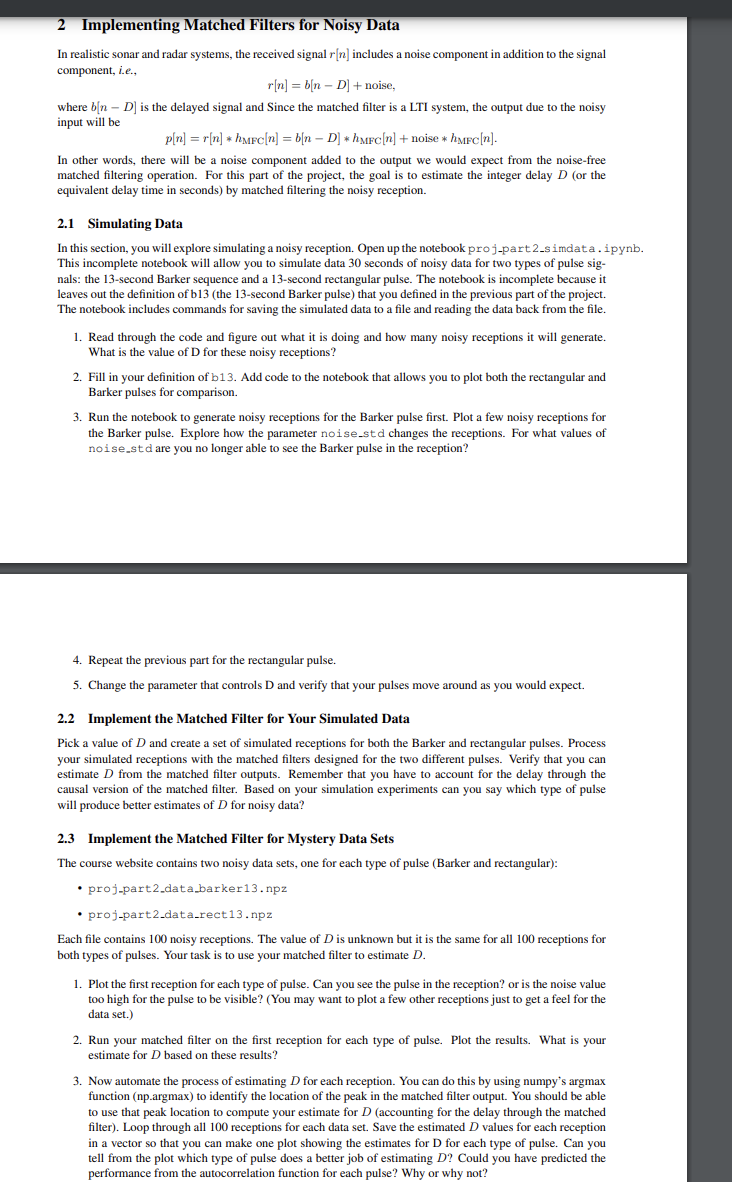
Question: 2 Implementing Matched Filters for Noisy Data In realistic sonar and radar systems, the received signal r [ n ] includes a noise component in
Implementing Matched Filters for Noisy Data
In realistic sonar and radar systems, the received signal includes a noise component in addition to the signal
component, ie
noise,
where is the delayed signal and Since the matched filter is a LTI system, the output due to the noisy
input will be
noise
In other words, there will be a noise component added to the output we would expect from the noisefree
matched filtering operation. For this part of the project, the goal is to estimate the integer delay or the
equivalent delay time in seconds by matched filtering the noisy reception.
Simulating Data
In this section, you will explore simulating a noisy reception. Open up the notebook projpartsimdata ipynb.
This incomplete notebook will allow you to simulate data seconds of noisy data for two types of pulse sig
nals: the second Barker sequence and a second rectangular pulse. The notebook is incomplete because it
leaves out the definition of bthe second Barker pulse that you defined in the previous part of the project.
The notebook includes commands for saving the simulated data to a file and reading the data back from the file.
Read through the code and figure out what it is doing and how many noisy receptions it will generate.
What is the value of for these noisy receptions?
Fill in your definition of b Add code to the notebook that allows you to plot both the rectangular and
Barker pulses for comparison.
Run the notebook to generate noisy receptions for the Barker pulse first. Plot a few noisy receptions for
the Barker pulse. Explore how the parameter noisestd changes the receptions. For what values of
noisest d are you no longer able to see the Barker pulse in the reception?
Repeat the previous part for the rectangular pulse.
Change the parameter that controls D and verify that your pulses move around as you would expect.
Implement the Matched Filter for Your Simulated Data
Pick a value of and create a set of simulated receptions for both the Barker and rectangular pulses. Process
your simulated receptions with the matched filters designed for the two different pulses. Verify that you can
estimate from the matched filter outputs. Remember that you have to account for the delay through the
causal version of the matched filter. Based on your simulation experiments can you say which type of pulse
will produce better estimates of for noisy data?
Implement the Matched Filter for Mystery Data Sets
The course website contains two noisy data sets, one for each type of pulse Barker and rectangular:
projpartdatabarkernpz
projpartdatarectnpz
Each file contains noisy receptions. The value of is unknown but it is the same for all receptions for
both types of pulses. Your task is to use your matched filter to estimate
Plot the first reception for each type of pulse. Can you see the pulse in the reception? or is the noise value
too high for the pulse to be visible? You may want to plot a few other receptions just to get a feel for the
data set.
Run your matched filter on the first reception for each type of pulse. Plot the results. What is your
estimate for based on these results?
Now automate the process of estimating for each reception. You can do this by using numpy's argmax
function npargmax to identify the location of the peak in the matched filter output. You should be able
to use that peak location to compute your estimate for accounting for the delay through the matched
filter Loop through all receptions for each data set. Save the estimated values for each reception
in a vector so that you can make one plot showing the estimates for D for each type of pulse. Can you
tell from the plot which type of pulse does a better job of estimating Could you have predicted the
performance from the autocorrelation function for each pulse? Why or why not?
Step by Step Solution
There are 3 Steps involved in it
1 Expert Approved Answer
Step: 1 Unlock

Question Has Been Solved by an Expert!
Get step-by-step solutions from verified subject matter experts
Step: 2 Unlock
Step: 3 Unlock
 Study Help