







Question: 2 Manually Generate API Documentation In this part, you will learn the commands to manually generate API documentation from documentation comments using the Javadoc utility
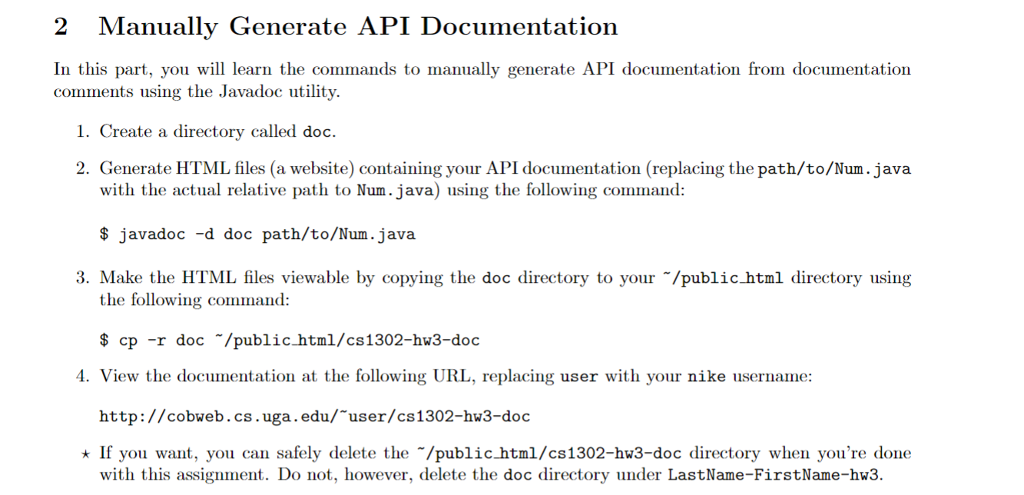
2 Manually Generate API Documentation In this part, you will learn the commands to manually generate API documentation from documentation comments using the Javadoc utility . Create a directory called doc. 2. Generate HTML files (a website) containing your API documentation (replacing the path/to/Num.java with the actual relative path to Num.java) using the following command: $ javadoc -d doc path/to/Num.java 3. Make the HTML files viewable by copying the doc directory to your "/public html directory using the following command: $ cp -r doc /public html/cs1302-hw3-doc View the documentation at the following URL, replacing user with your nike username http://cobweb.cs.uga.edu/ user/cs 1302-hw3-doc If you want, you can safely delete the "/publichtm1/cs1302-hw3-doc directory when you're done with this assignment. Do not, however, delete the doc directory under LastName-FirstName-hu3
Step by Step Solution
There are 3 Steps involved in it

Get step-by-step solutions from verified subject matter experts
 Study Help