







Question: 2. Open Control Panel and then Administrative Tools 3. Open Performance Monitor 4. Expand Data Collector Sets 5. Right click User Defined 6. Click New
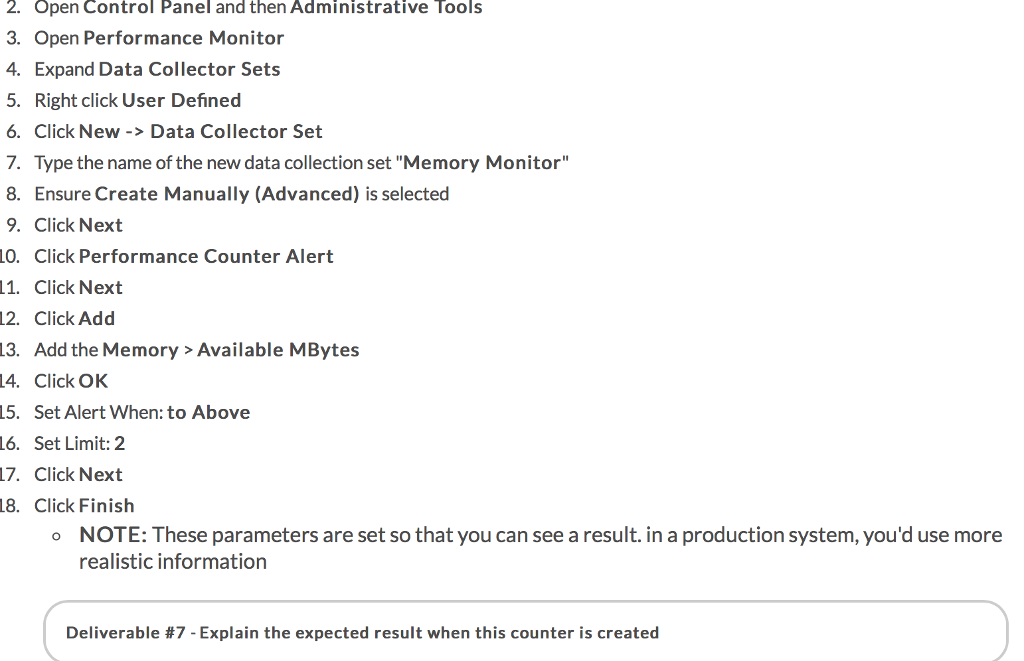
2. Open Control Panel and then Administrative Tools 3. Open Performance Monitor 4. Expand Data Collector Sets 5. Right click User Defined 6. Click New -> Data Collector Set 7. Type the name of the new data collection set "Memory Monitor" 8. Ensure Create Manually (Advanced) is selected 9. Click Next 0. Click Performance Counter Alert 11. Click Next 12. Click Add 13. Add the Memory>Available MBytes 4. Click OK 15. Set Alert When: to Above L6. Set Limit: 2 17. Click Next 8. Click Finish o NOTE: These parameters are set so that you can see a result. in a production system, you'd use more realistic information Deliverable #7-Explain the expected result when this counter is created
Step by Step Solution
There are 3 Steps involved in it

Get step-by-step solutions from verified subject matter experts
 Study Help