







Question: 2. Open the Basic Billboards List report in Design View, and then complete the following tasks: a. Add the current date and time to the
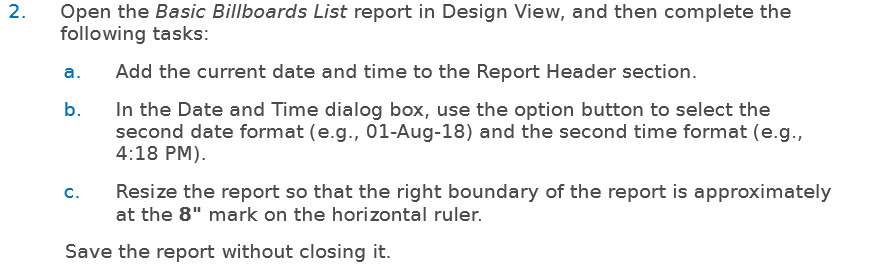
2. Open the Basic Billboards List report in Design View, and then complete the following tasks: a. Add the current date and time to the Report Header section. b. In the Date and Time dialog box, use the option button to select the second date format (e.g., 01-Aug-18} and the second time format (e.g., 4:18 PM}. c. Resize the report so that the right boundary of the report is approximately at the 8" mark on the horizontal ruler. Save the report without closing it
Step by Step Solution
There are 3 Steps involved in it
1 Expert Approved Answer
Step: 1 Unlock

Question Has Been Solved by an Expert!
Get step-by-step solutions from verified subject matter experts
Step: 2 Unlock
Step: 3 Unlock
 Study Help