







Question: 2: Using Functions, Creating Tables, and Managing Large Work... W Project Files For Project 21, you will need the following file: e021 Palms You will
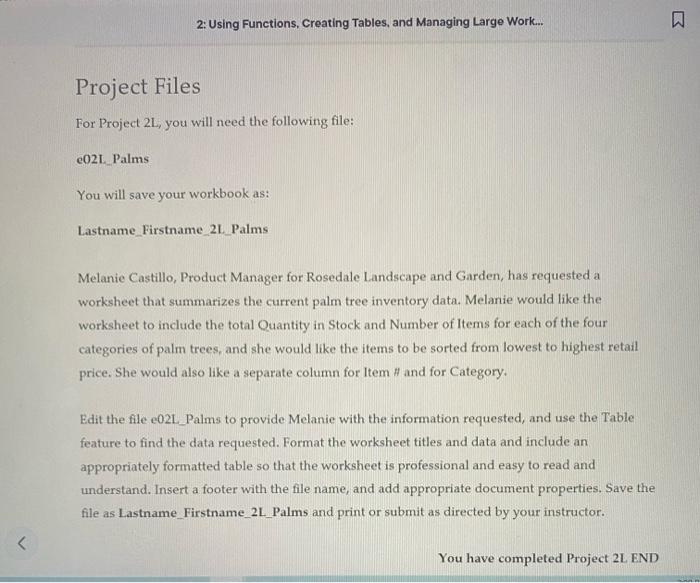
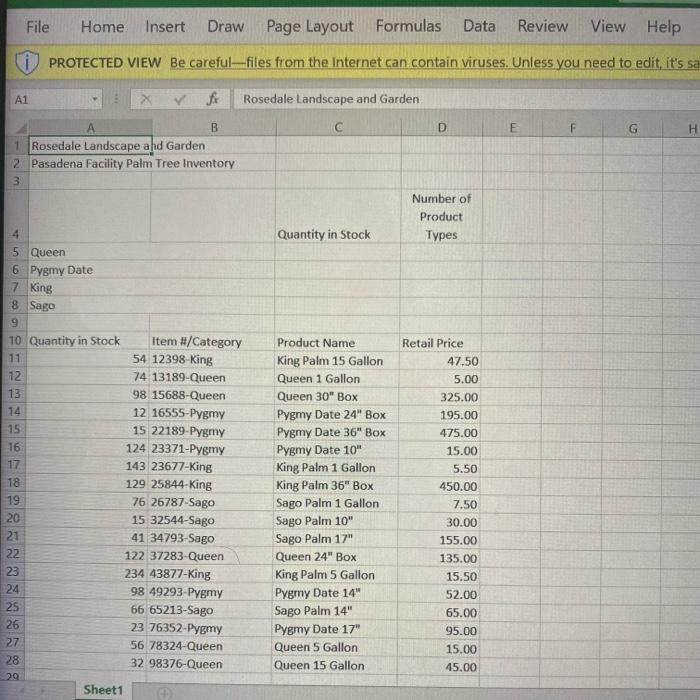
2: Using Functions, Creating Tables, and Managing Large Work... W Project Files For Project 21, you will need the following file: e021 Palms You will save your workbook as: Lastname Firstname 21 Palms Melanie Castillo, Product Manager for Rosedale Landscape and Garden, has requested a worksheet that summarizes the current palm tree inventory data. Melanie would like the worksheet to include the total Quantity in Stock and Number of Items for each of the four categories of palm trees, and she would like the items to be sorted from lowest to highest retail price. She would also like a separate column for Item # and for Category. Edit the file e021_Palms to provide Melanie with the information requested, and use the Table feature to find the data requested. Format the worksheet titles and data and include an appropriately formatted table so that the worksheet is professional and easy to read and understand. Insert a footer with the file name, and add appropriate document properties. Save the file as Lastname_Firstname_2L_Palms and print or submit as directed by your instructor.
Step by Step Solution
There are 3 Steps involved in it

Get step-by-step solutions from verified subject matter experts
 Study Help