







Question: 2. - Write the interactive Python module CheckKeyword. Output to the screen the result of check if the string 'KEY is in the string input
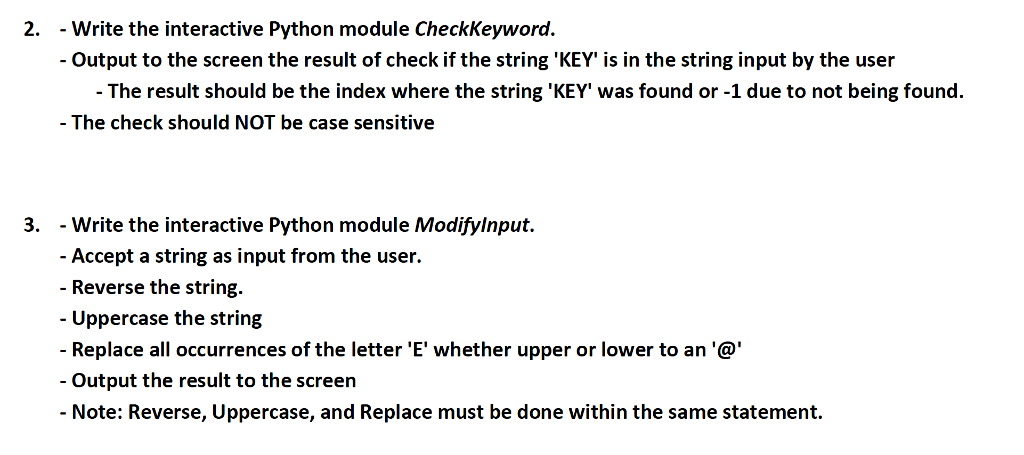
2. - Write the interactive Python module CheckKeyword. Output to the screen the result of check if the string 'KEY is in the string input by the user - The result should be the index where the string 'KEY' was found or -1 due to not being found - The check should NOT be case sensitive 3. - Write the interactive Python module Modifylnput Accept a string as input from the user. - Reverse the string. Uppercase the string - Replace all occurrences of the letter 'E' whether upper or lower to an '@ Output the result to the screen - Note: Reverse, Uppercase, and Replace must be done within the same statement
Step by Step Solution
There are 3 Steps involved in it
1 Expert Approved Answer
Step: 1 Unlock

Question Has Been Solved by an Expert!
Get step-by-step solutions from verified subject matter experts
Step: 2 Unlock
Step: 3 Unlock
 Study Help