







Question: 22. Write a program that converts all tab characters in a file to n spaces (n provided on the command line). The name of the
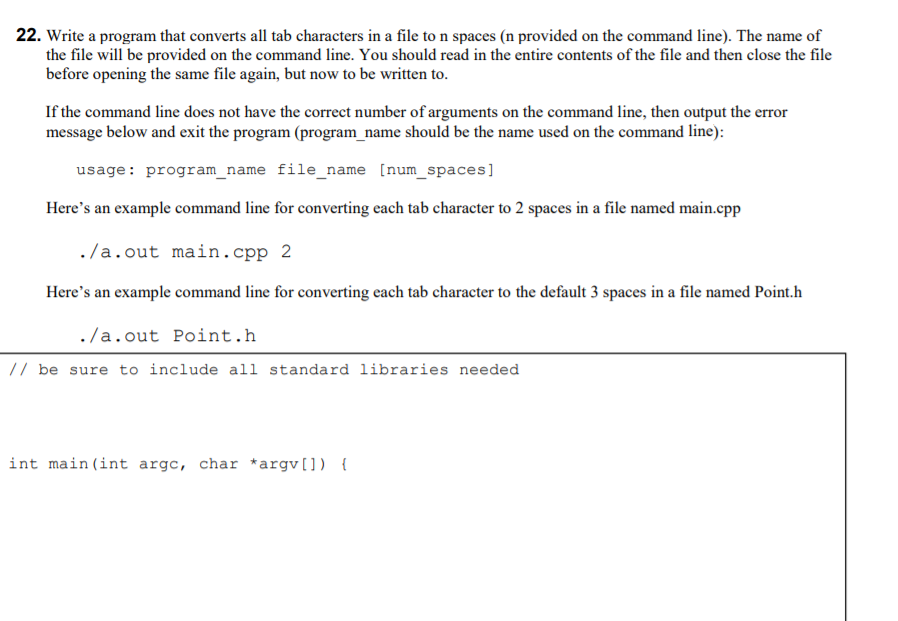
22. Write a program that converts all tab characters in a file to n spaces (n provided on the command line). The name of the file will be provided on the command line. You should read in the entire contents of the file and then close the file before opening the same file again, but now to be written to. If the command line does not have the correct number of arguments on the command line, then output the error message below and exit the program (program_name should be the name used on the command line): usage: program_name file_name [num spaces] Here's an example command line for converting each tab character to 2 spaces in a file named main.cpp ./a.out main.cpp 2 Here's an example command line for converting each tab character to the default 3 spaces in a file named Point.h ./a.out Point.h // be sure to include all standard libraries needed int main(int argc, char *argv[]) { 22. Write a program that converts all tab characters in a file to n spaces (n provided on the command line). The name of the file will be provided on the command line. You should read in the entire contents of the file and then close the file before opening the same file again, but now to be written to. If the command line does not have the correct number of arguments on the command line, then output the error message below and exit the program (program_name should be the name used on the command line): usage: program_name file_name [num spaces] Here's an example command line for converting each tab character to 2 spaces in a file named main.cpp ./a.out main.cpp 2 Here's an example command line for converting each tab character to the default 3 spaces in a file named Point.h ./a.out Point.h // be sure to include all standard libraries needed int main(int argc, char *argv[]) {
Step by Step Solution
There are 3 Steps involved in it

Get step-by-step solutions from verified subject matter experts
 Study Help