







Question: 3 : 4 8 Debug EXPLORING THE SOFTWARE ARCHITECTURE OF THE 8 0 x 8 6 MICROPROCESSOR NAME: STUDENT ID: Objectives Learn how to: Bring
:
Debug
EXPLORING THE SOFTWARE ARCHITECTURE OF THE x MICROPROCESSOR
NAME:
STUDENT ID:
Objectives
Learn how to:
Bring up the DEBUG program.
Examine and modify the contents of the s code internal registers.
Examine and modify the contents of the s code, data, and stack segments of memory.
Calculate the physical address of storage locations in the memory address space.
Examine the contents of the dedicated parts of the s memory address space.
Code assembly language instructions into machine code.
Assemble instructions into the memory of the PC
Unassemble machine code instructions stored in memory.
Store and load machine code instructions from a diskette.
Execute an instruction to determine the operation it performs.
Part : Loading the DEBUG Program
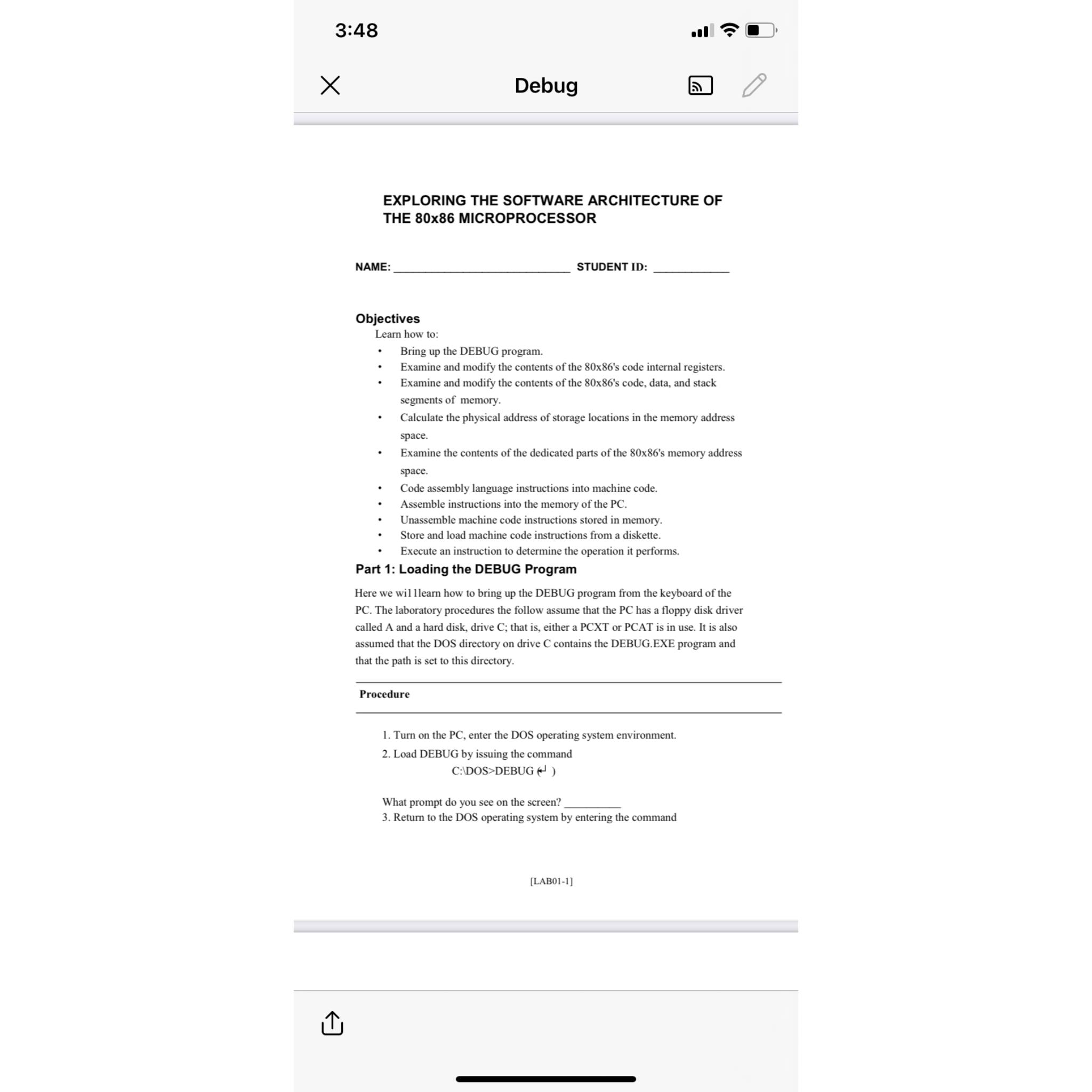
Here we willlearn how to bring up the DEBUG program from the keyboard of the PC The laboratory procedures the follow assume that the PC has a floppy disk driver called A and a hard disk, drive C; that is either a PCXT or PCAT is in use. It is also assumed that the DOS directory on drive contains the DEBUG.EXE program and that the path is set to this directory.
Procedure
Turn on the PC enter the DOS operating system environment.
Load DEBUG by issuing the command
C: DOS DEBUG
What prompt do you see on the screen?
Return to the DOS operating system by entering the command
LAB
Step by Step Solution
There are 3 Steps involved in it
1 Expert Approved Answer
Step: 1 Unlock

Question Has Been Solved by an Expert!
Get step-by-step solutions from verified subject matter experts
Step: 2 Unlock
Step: 3 Unlock
 Study Help