







Question: 3 . 5 LAB - Create Student table with constraints Create a Student table with the following column names, data types, and constraints: ID -
LAB Create Student table with constraints
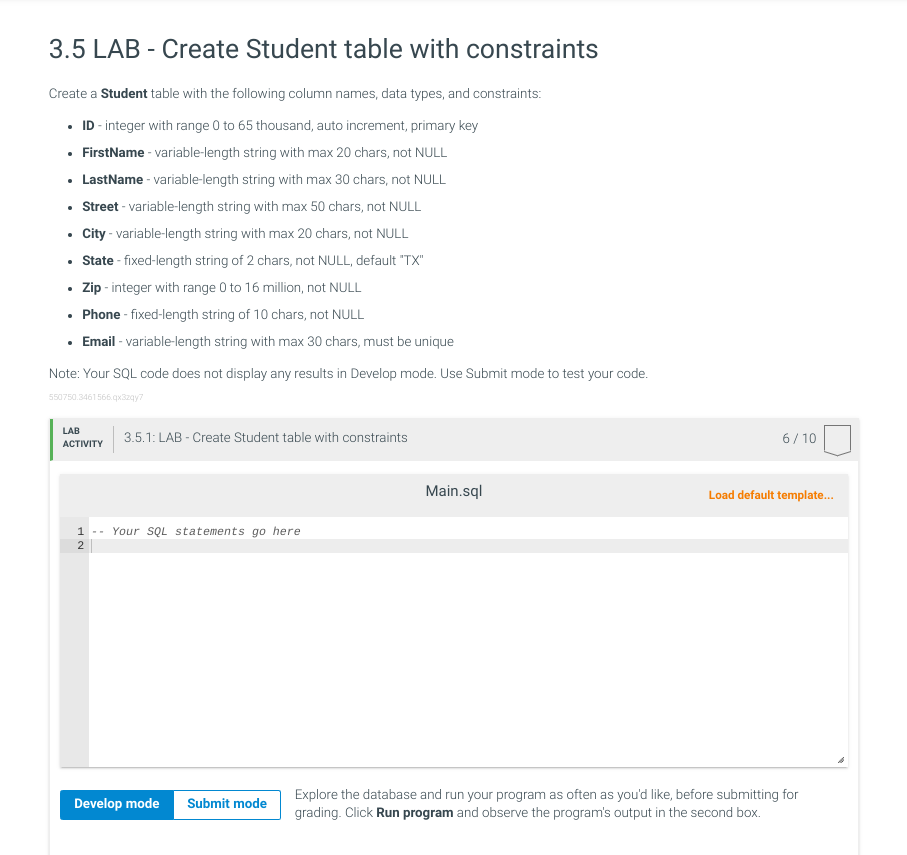
Create a Student table with the following column names, data types, and constraints:
ID integer with range to thousand, auto increment, primary key
FirstName variablelength string with max chars, not NULL
LastName variablelength string with max chars, not NULL
Street variablelength string with max chars, not NULL
City variablelength string with max chars, not NULL
State fixedlength string of chars, not NULL, default TX
Zip integer with range to million, not NULL
Phone fixedlength string of chars, not NULL
Email variablelength string with max chars, must be unique
Note: Your SQL code does not display any results in Develop mode. Use Submit mode to test your code.
LAB
ACTIVITY
: LAB Create Student table with constraints
Main.sql
Load default template...
Your SQL statements go here
Explore the database and run your program as often as you'd like, before submitting for
grading. Click Run program and observe the program's output in the second box.
Step by Step Solution
There are 3 Steps involved in it
1 Expert Approved Answer
Step: 1 Unlock

Question Has Been Solved by an Expert!
Get step-by-step solutions from verified subject matter experts
Step: 2 Unlock
Step: 3 Unlock
 Study Help