







Question: 3. Get a dataset for 12 months average temperatures (any country of your choice). Name the sheet as Data and keep your main data on
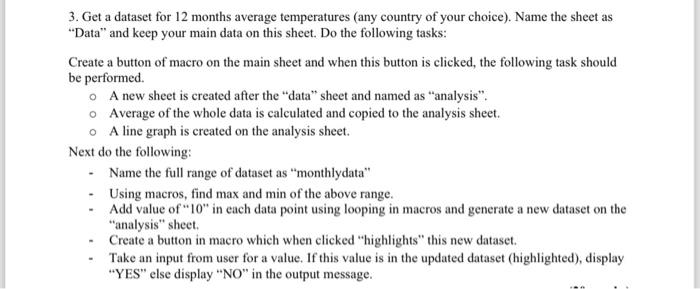
3. Get a dataset for 12 months average temperatures (any country of your choice). Name the sheet as "Data" and keep your main data on this sheet. Do the following tasks: Create a button of macro on the main sheet and when this button is clicked, the following task should be performed. A new sheet is created after the "data" sheet and named as "analysis". Average of the whole data is calculated and copied to the analysis sheet. A line graph is created on the analysis sheet. Next do the following: - Name the full range of dataset as "monthlydata" - Using macros, find max and min of the above range. - Add value of " 10 " in each data point using looping in macros and generate a new dataset on the "analysis" sheet. - Create a button in macro which when clicked "highlights" this new dataset. - Take an input from user for a value. If this value is in the updated dataset (highlighted), display "YES" else display "NO" in the output message
Step by Step Solution
There are 3 Steps involved in it

Get step-by-step solutions from verified subject matter experts
 Study Help