







Question: 3. Start the program and allow your object to make a few waves. Pause the program and measure the wavelength of the waves both in
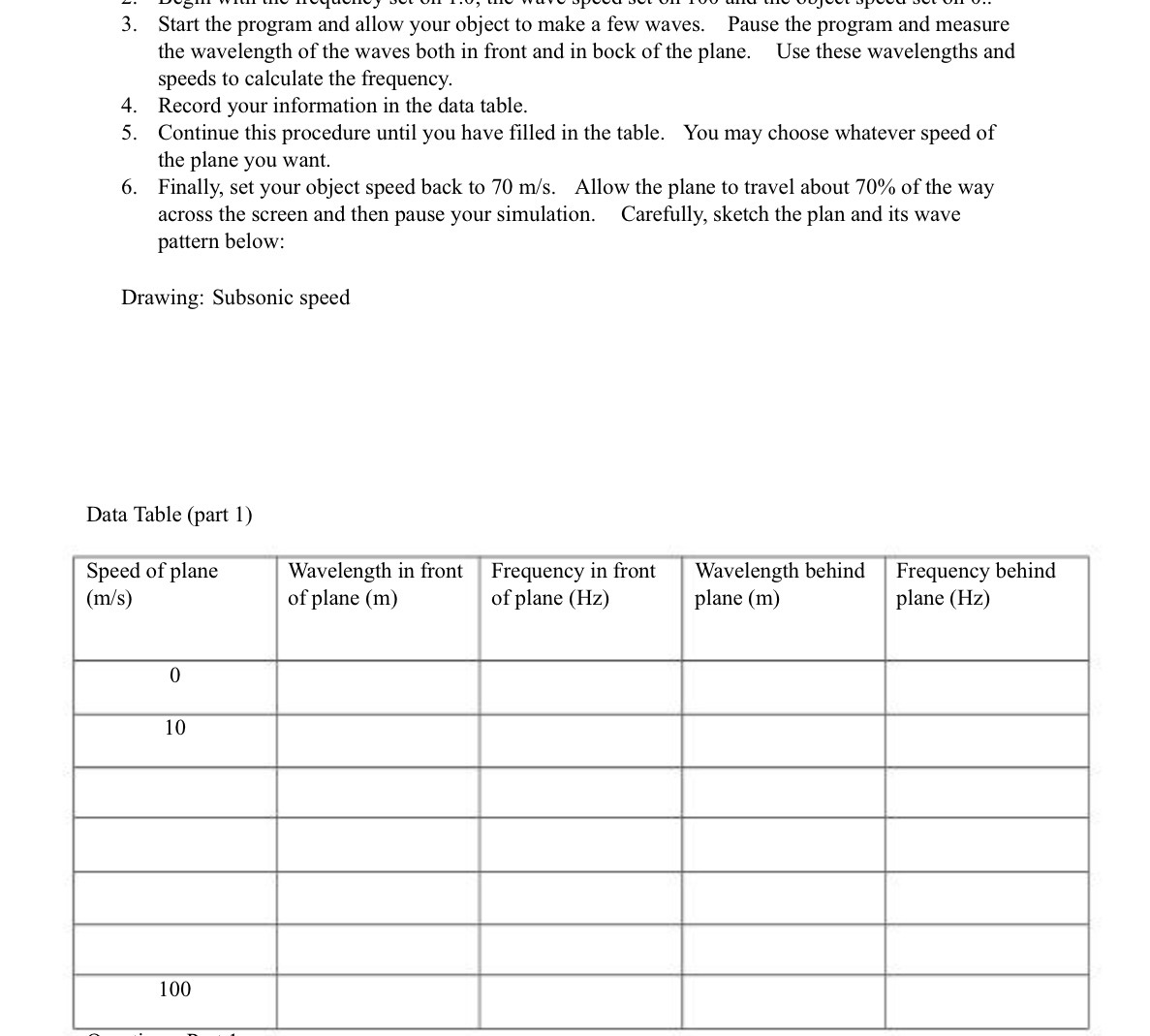
3. Start the program and allow your object to make a few waves. Pause the program and measure the wavelength of the waves both in front and in bock of the plane. Use these wavelengths and speeds to calculate the frequency. 4. Record your information in the data table. 5. Continue this procedure until you have filled in the table. You may choose whatever speed of the plane you want. 6. Finally, set your object speed back to 70 m/s. Allow the plane to travel about 70% of the way across the screen and then pause your simulation. Carefully, sketch the plan and its wave pattern below: Drawing: Subsonic speed Data Table (part 1) Speed of plane Wavelength in front Frequency in front Wavelength behind Frequency behind (m/s) of plane (m) of plane (Hz) plane (m) plane (Hz) 0 10 100
Step by Step Solution
There are 3 Steps involved in it

Get step-by-step solutions from verified subject matter experts
 Study Help