







Question: 3) Using Excel to calculate the following implicit interest rates for these notes. Used good profession style that I illustrated in the Session 2 Tutorial
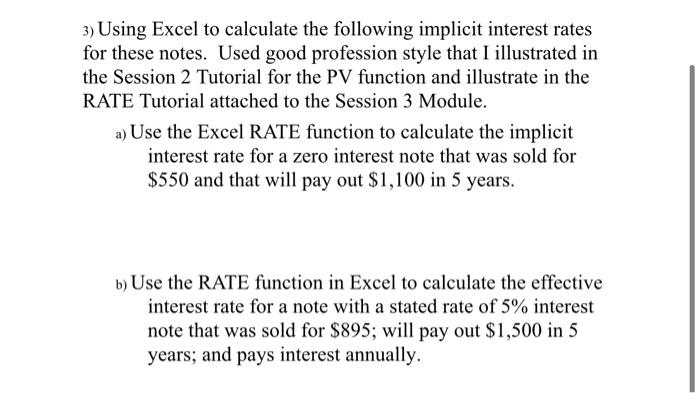
3) Using Excel to calculate the following implicit interest rates for these notes. Used good profession style that I illustrated in the Session 2 Tutorial for the PV function and illustrate in the RATE Tutorial attached to the Session 3 Module. a) Use the Excel RATE function to calculate the implicit interest rate for a zero interest note that was sold for $550 and that will pay out $1,100 in 5 years. b) Use the RATE function in Excel to calculate the effective interest rate for a note with a stated rate of 5% interest note that was sold for $895; will pay out $1,500 in 5 years; and pays interest annually
Step by Step Solution
There are 3 Steps involved in it
1 Expert Approved Answer
Step: 1 Unlock

Question Has Been Solved by an Expert!
Get step-by-step solutions from verified subject matter experts
Step: 2 Unlock
Step: 3 Unlock
 Study Help