







Question: 3.11.1. JUnit Run This exercise will help you get up and running with JUnit. 1. Create a new empty project using the build tool of
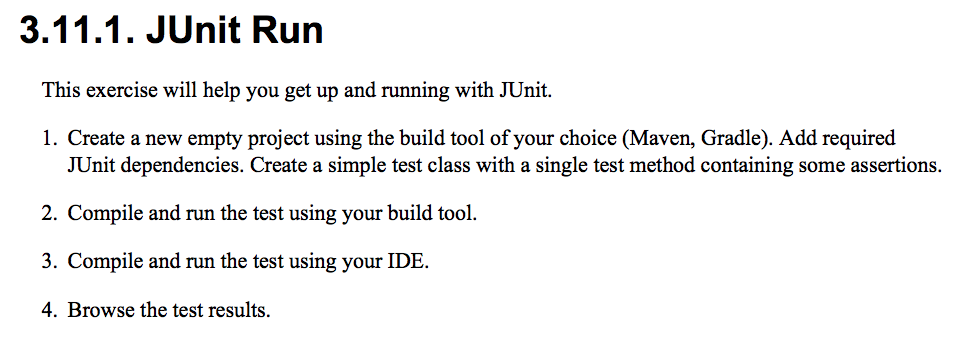
3.11.1. JUnit Run This exercise will help you get up and running with JUnit. 1. Create a new empty project using the build tool of your choice (Maven, Gradle). Add required JUnit dependencies. Create a simple test class with a single test method containing some assertions. 2. Compile and run the test using your build tool. 3. Compile and run the test using your IDE. 4. Browse the test results
Step by Step Solution
There are 3 Steps involved in it
1 Expert Approved Answer
Step: 1 Unlock

Question Has Been Solved by an Expert!
Get step-by-step solutions from verified subject matter experts
Step: 2 Unlock
Step: 3 Unlock
 Study Help