







Question: 3.3: Programming the LabVIEW 3.3.1 1.Launch two Numeric control palette and rename those as A and B respectively 2. Add A and B 3.Display the
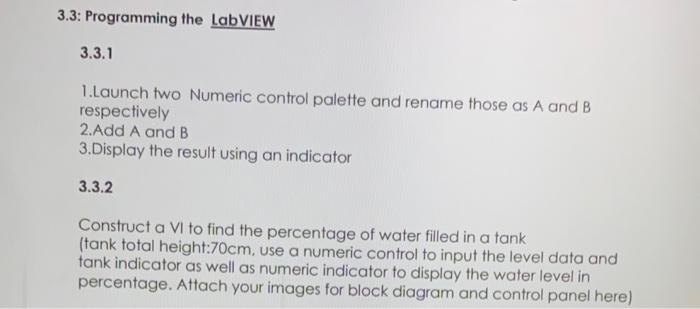
3.3: Programming the LabVIEW 3.3.1 1.Launch two Numeric control palette and rename those as A and B respectively 2. Add A and B 3.Display the result using an indicator 3.3.2 Construct a VI to find the percentage of water filled in a tank (tank total height:70cm, use a numeric control to input the level data and tank indicator as well as numeric indicator to display the water level in percentage. Attach your images for block diagram and control panel here)
Step by Step Solution
There are 3 Steps involved in it
1 Expert Approved Answer
Step: 1 Unlock

Question Has Been Solved by an Expert!
Get step-by-step solutions from verified subject matter experts
Step: 2 Unlock
Step: 3 Unlock
 Study Help