







Question: 3-7 please. 3. Using the onmouseover, event handler and JavaScript in the third heading Make the first heading have red text and become underlined when
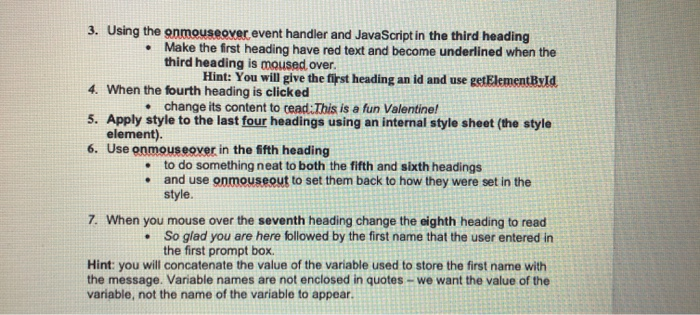
3. Using the onmouseover, event handler and JavaScript in the third heading Make the first heading have red text and become underlined when the third heading is moused over. Hint: You will give the first heading an id and use getElementById 4. When the fourth heading is clicked change its content to read: This is a fun Valentine! 5. Apply style to the last four headings using an internal style sheet (the style element). 6. Use onmouseover in the fifth heading to do something neat to both the fifth and sixth headings and use onmouseout to set them back to how they were set in the style. 7. When you mouse over the seventh heading change the eighth heading to read So glad you are here followed by the first name that the user entered in the first prompt box Hint: you will concatenate the value of the variable used to store the first name with the message. Variable names are not enclosed in quotes - we want the value of the variable, not the name of the variable to appear
Step by Step Solution
There are 3 Steps involved in it

Get step-by-step solutions from verified subject matter experts
 Study Help