







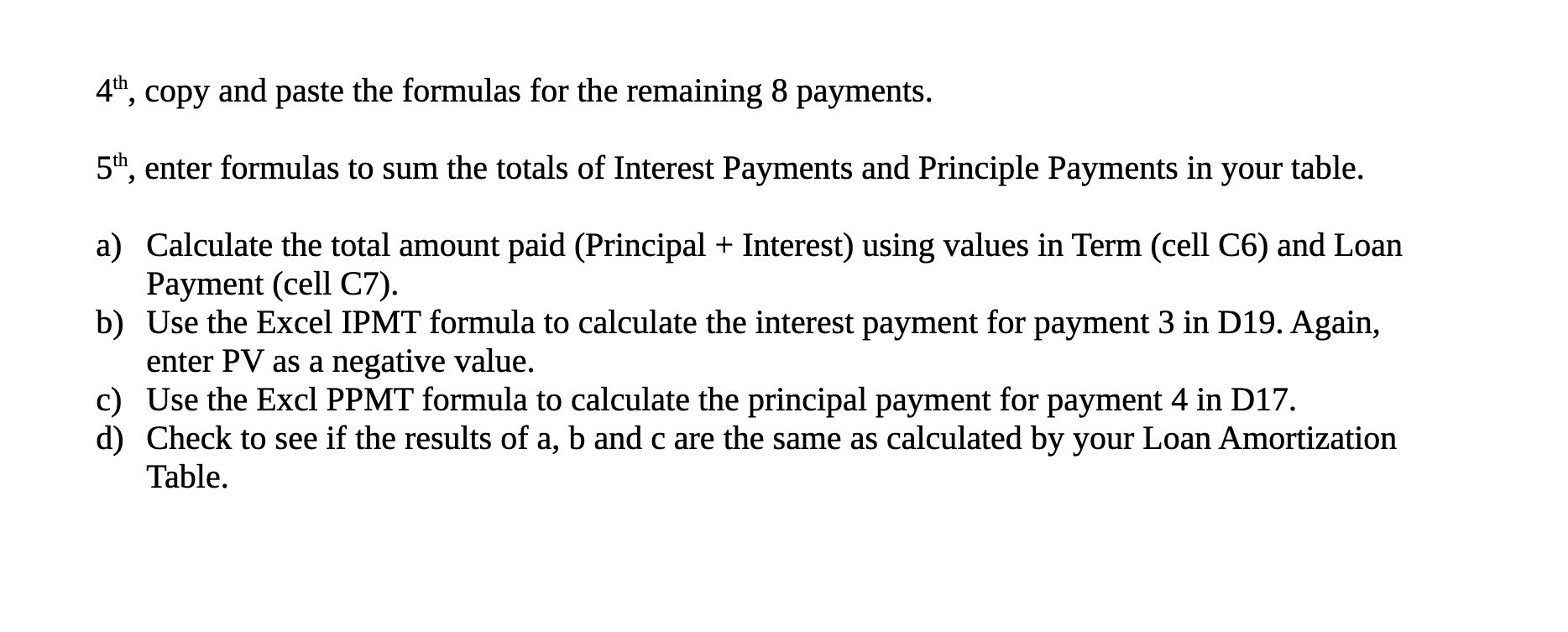
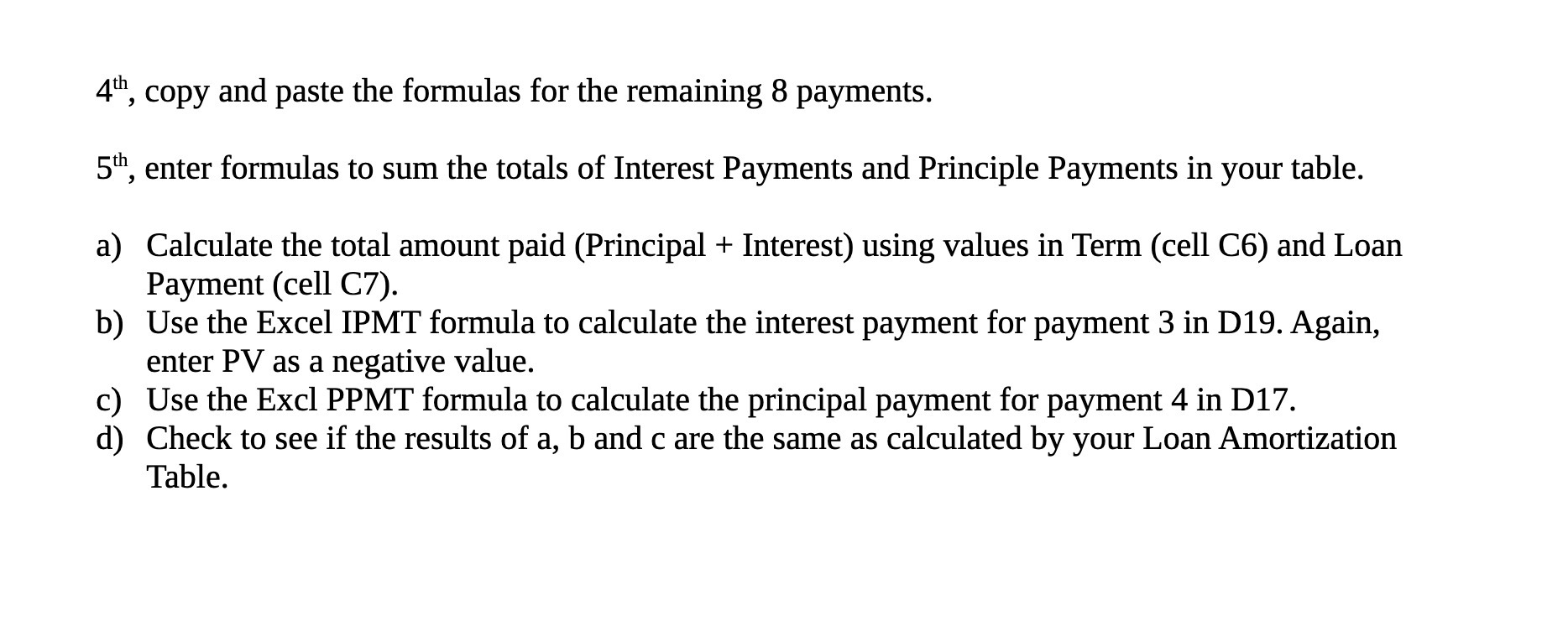
Question: 4' 4th, copy and paste the formulas for the remaining 8 payments. 5th, enter formulas to sum the totals of Interest Payments and Principle Payments
4'\
4th, copy and paste the formulas for the remaining 8 payments. 5th, enter formulas to sum the totals of Interest Payments and Principle Payments in your table. Calculate the total amount paid (Principal + Interest) using values in Term (cell C6) and Loan a) Payment (cell C7). b) Use the Excel IPMT formula to calculate the interest payment for payment 3 in D19. Again, enter PV as a negative value. Use the Excl PPMT formula to calculate the principal payment for payment 4 in D17. c) d) Check to see if the results of a, b and c are the same as calculated by your Loan Amortization Table.
Step by Step Solution
There are 3 Steps involved in it

Get step-by-step solutions from verified subject matter experts
 Study Help