







Question: #4 & #5 #6 pls 4. The section towards the top right side of the simulation window has a time meter that allows you to
#4 & #5 #6 pls
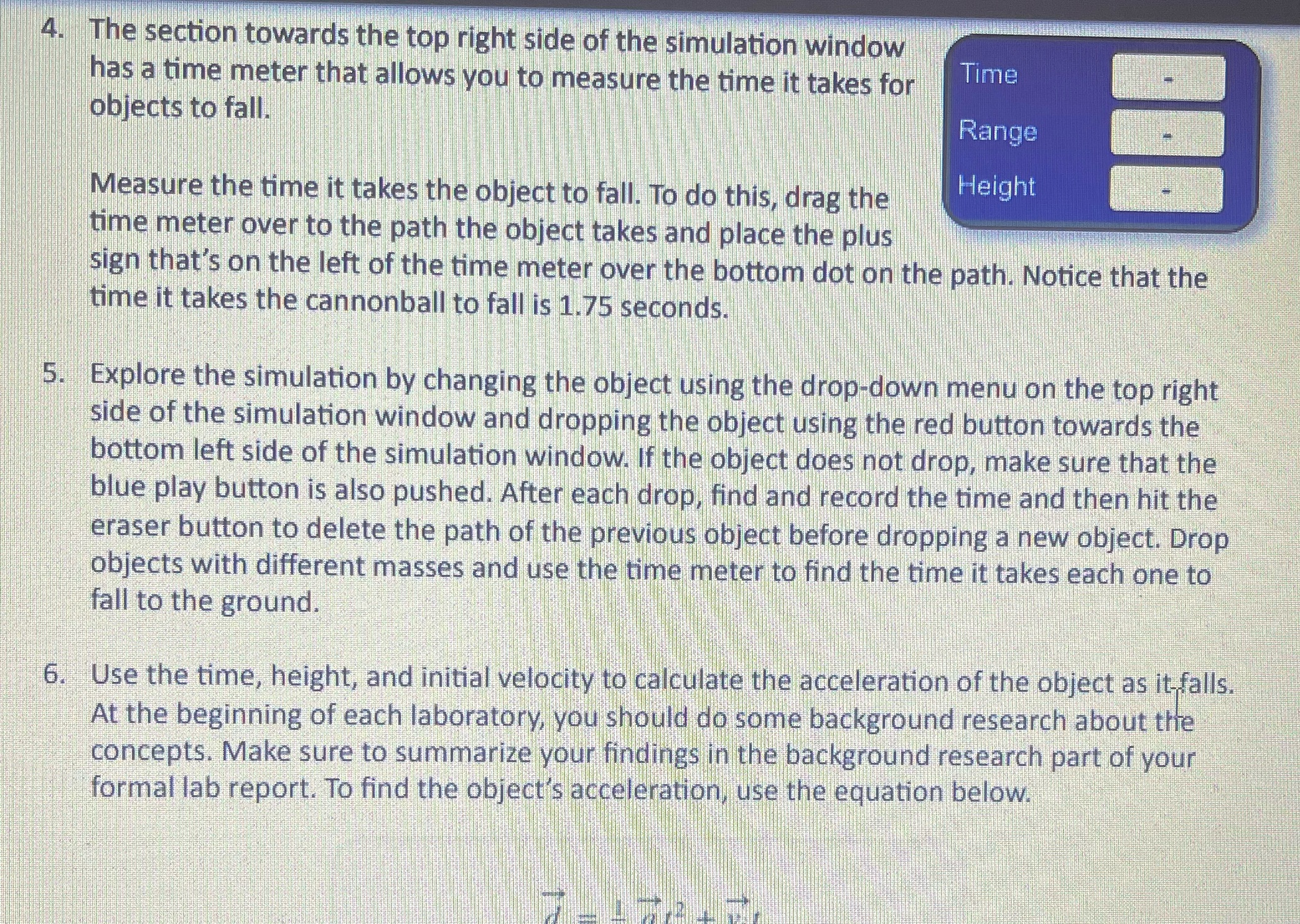
4. The section towards the top right side of the simulation window has a time meter that allows you to measure the time it takes for Time objects to fall. Range Measure the time it takes the object to fall. To do this, drag the Height time meter over to the path the object takes and place the plus sign that's on the left of the time meter over the bottom dot on the path. Notice that the time it takes the cannonball to fall is 1.75 seconds. 5. Explore the simulation by changing the object using the drop-down menu on the top right side of the simulation window and dropping the object using the red button towards the bottom left side of the simulation window. If the object does not drop, make sure that the blue play button is also pushed. After each drop, find and record the time and then hit the eraser button to delete the path of the previous object before dropping a new object. Drop objects with different masses and use the time meter to find the time it takes each one to fall to the ground. 6. Use the time, height, and initial velocity to calculate the acceleration of the object as it falls. At the beginning of each laboratory, you should do some background research about the concepts. Make sure to summarize your findings in the background research part of your formal lab report. To find the object's acceleration, use the equation below
Step by Step Solution
There are 3 Steps involved in it

Get step-by-step solutions from verified subject matter experts
 Study Help