



Question: 4. Continue adding mass, and recording the mass and acceleration until you have added 25 kg. 5. The simulation will reset, and you can choose
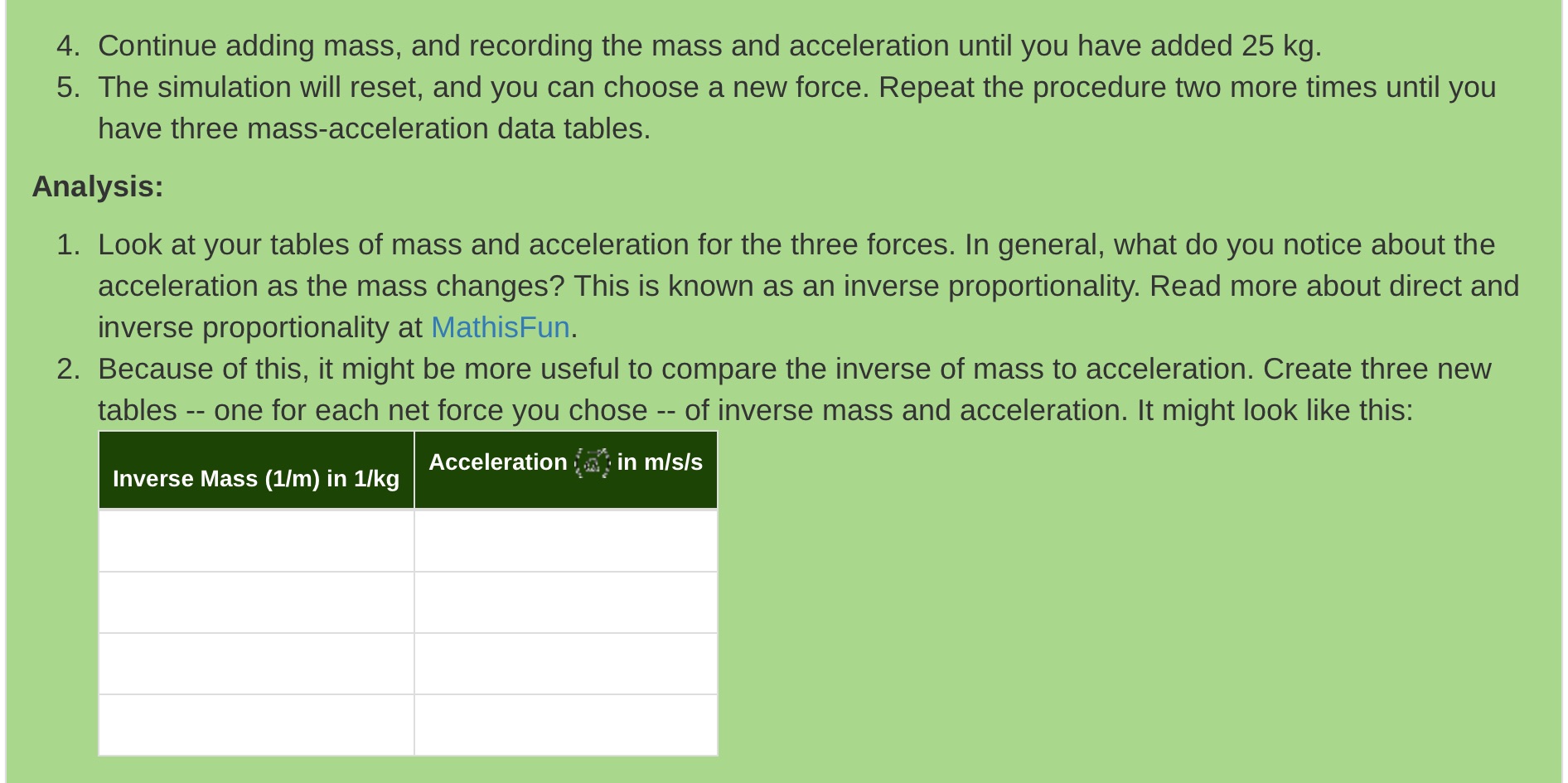
4. Continue adding mass, and recording the mass and acceleration until you have added 25 kg. 5. The simulation will reset, and you can choose a new force. Repeat the procedure two more times until you have three mass-acceleration data tables. Analysis: 1. Look at your tables of mass and acceleration for the three forces. In general, what do you notice about the acceleration as the mass changes? This is known as an inverse proportionality. Read more about direct and inverse proportionality at MathisFun. 2. Because of this, it might be more useful to compare the inverse of mass to acceleration. Create three new tables -- one for each net force you chose -- of inverse mass and acceleration. It might look like this: Inverse Mass (1/m) in 1/kg Acceleration in mis/s
Step by Step Solution
There are 3 Steps involved in it

Get step-by-step solutions from verified subject matter experts