







Question: 4. Easier le access and sharing: - Safely accessing and sharing important documents is quite important. Professionals have been using shared drives but using the
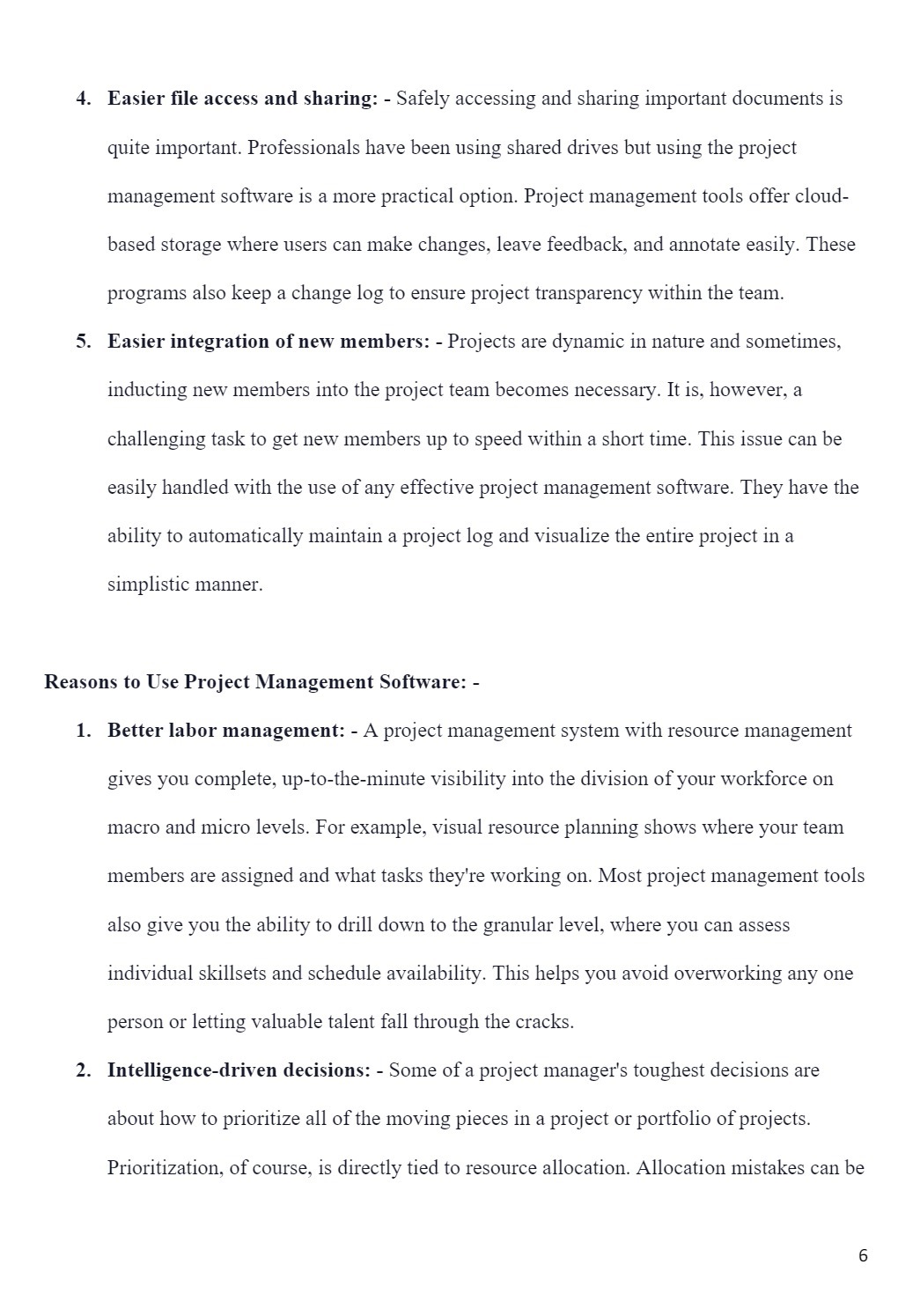
4. Easier le access and sharing: - Safely accessing and sharing important documents is quite important. Professionals have been using shared drives but using the project management software is a more practical option. Project management tools offer cloud- based storage where users can make changes, leave feedback, and annotate easily. These programs also keep a change log to ensure project transparency within the team. 5. Easier integration of new members: - Projects are dynamic in nature and sometimes, inducting new members into the project team becomes necessary. It is, however, a challenging task to get new members up to speed within a short time. This issue can be easily handled with the use of any effective project management software. They have the ability to automatically maintain a project log and visualize the entire project in a simplistic manner. Reasons to Use Project Management Software: - 1. Better labor management: - A project management system with resource management gives you complete, up-to-the-minute visibility into the division of your workforce on macro and micro levels. For example, visual resource planning shows where your team members are assigned and what tasks they're working on. Most project management tools also give you the ability to drill down to the granular level, where you can assess individual skillsets and schedule availability. This helps you avoid overworking any one person or letting valuable talent fall through the cracks. 2. Intelligence-driven decisions: - Some of a project manager's toughest decisions are about how to prioritize all of the moving pieces in a project or portfolio of projects. Prioritization, of course, is directly tied to resource allocation. Allocation mistakes can be
Step by Step Solution
There are 3 Steps involved in it

Get step-by-step solutions from verified subject matter experts
 Study Help