







Question: 4. Open an IDLE window, and enter the program from Figure 1-7 that computes the area of a rectangle. Load the program into the shell
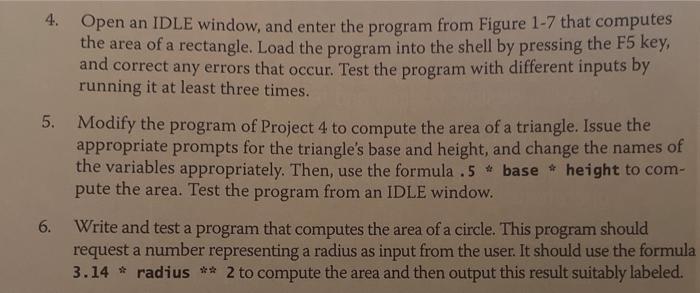
4. Open an IDLE window, and enter the program from Figure 1-7 that computes the area of a rectangle. Load the program into the shell by pressing the F5 key, and correct any errors that occur. Test the program with different inputs by running it at least three times. 5. Modify the program of Project 4 to compute the area of a triangle. Issue the appropriate prompts for the triangle's base and height, and change the names of the variables appropriately. Then, use the formula .5 * base * height to compute the area. Test the program from an IDLE window. 6. Write and test a program that computes the area of a circle. This program should request a number representing a radius as input from the user. It should use the formula 3.14 radius 2 to compute the area and then output this result suitably labeled
Step by Step Solution
There are 3 Steps involved in it

Get step-by-step solutions from verified subject matter experts
 Study Help