







Question: 4. Your client has moved and needs you to modify the business address of the company in QuickBooks Online. Take a look at the
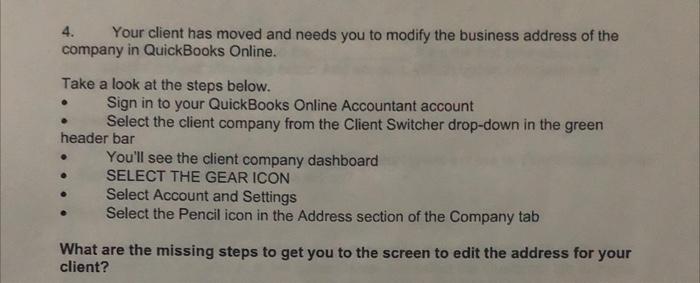
4. Your client has moved and needs you to modify the business address of the company in QuickBooks Online. Take a look at the steps below. Sign in to your QuickBooks Online Accountant account Select the client company from the Client Switcher drop-down in the green header bar You'll see the client company dashboard SELECT THE GEAR ICON Select Account and Settings Select the Pencil icon in the Address section of the Company tab What are the missing steps to get you to the screen to edit the address for your client?
Step by Step Solution
There are 3 Steps involved in it
1 Expert Approved Answer
Step: 1 Unlock

Question Has Been Solved by an Expert!
Get step-by-step solutions from verified subject matter experts
Step: 2 Unlock
Step: 3 Unlock
 Study Help