







Question: 4.3. Doing something to every element of an array Arrays are primarily useful for doing the same operation many times, so we don't often have
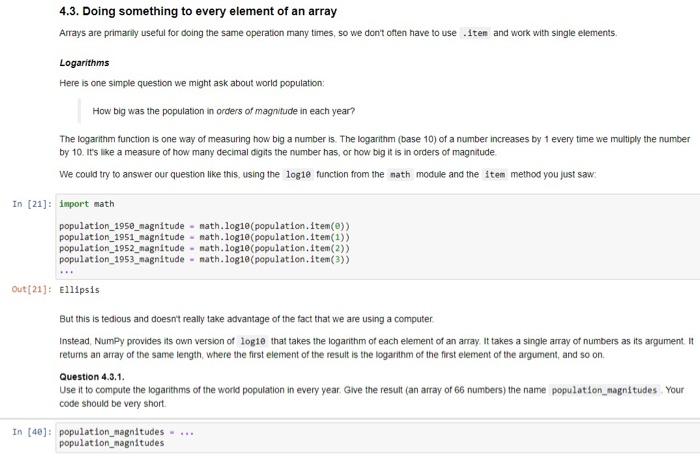
4.3. Doing something to every element of an array Arrays are primarily useful for doing the same operation many times, so we don't often have to use item and work with single elements Logarithms Here is one simple question we might ask about world population: How big was the population in orders of magnitude in each year? The logarithm function is one way of measuring how big a number is. The logarithm (base 10) of a number increases by 1 every time we multiply the number by 10. it's like a measure of how many decimal digits the number has, or how big it is in orders of magnitude We could try to answer our question like this, using the logie function from the nath module and the item method you just saw In [21]: import math population_1958_magnitude - math.log10 (population.item()) population_1951_magnitude - math.logie (population. Item(1) population_1952_magnitude - math.logie (population. item(2)) population_1953_magnitude - math.logie(population. item(3) Out (21): Ellipsis But this is tedious and doesn't really take advantage of the fact that we are using a computer Instead Numpy provides its own version of logie that takes the logarithm of each element of an array It takes a single array of numbers as its argument. It returns an array of the same length, where the first element of the result is the logarithm of the first element of the argument, and so on. Question 4.3.1. Use it to compute the logarithms of the world population in every year. Give the result can array of 66 numbers) the name population_magnitudes Your code should be very short In [40]: population_magnitudes population_magnitudes
Step by Step Solution
There are 3 Steps involved in it

Get step-by-step solutions from verified subject matter experts
 Study Help