





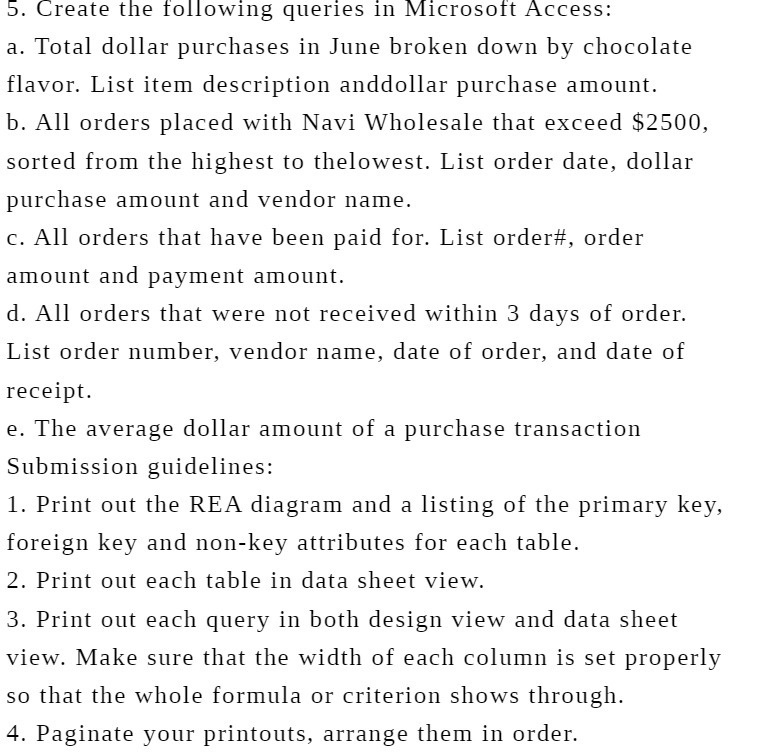
Question: 5. Create the following queries in Microsoft Access: a. Total dollar purchases in June broken down by chocolate flavor. List item description anddollar purchase amount.
5. Create the following queries in Microsoft
5. Create the following queries in Microsoft Access: a. Total dollar purchases in June broken down by chocolate flavor. List item description anddollar purchase amount. b. All orders placed with Navi Wholesale that exceed $2500, sorted from the highest to thelowest. List order date, dollar purchase amount and vendor name. c. All orders that have been paid for. List order#, order amount and payment amount. d. All orders that were not received within 3 days of order. List order number, vendor name, date of order, and date of receipt. e. The average dollar amount of a purchase transaction Submission guidelines: 1. Print out the REA diagram and a listing of the primary key, foreign key and non-key attributes for each table. 2. Print out each table in data sheet view. 3. Print out each query in both design view and data sheet view. Make sure that the width of each column is set properly so that the whole formula or criterion shows through. 4. Paginate your printouts, arrange them in order

Step by Step Solution

There are 3 Steps involved in it

1 Expert Approved Answer
Step: 1 Unlock blur-text-image

Question Has Been Solved by an Expert!

Get step-by-step solutions from verified subject matter experts

Step: 2 Unlock
Step: 3 Unlock

Students Have Also Explored These Related Accounting Questions!