







Question: 5. Issue the command nmap -O followed by the IP address of the target. You may be prompted to enter the root password. A
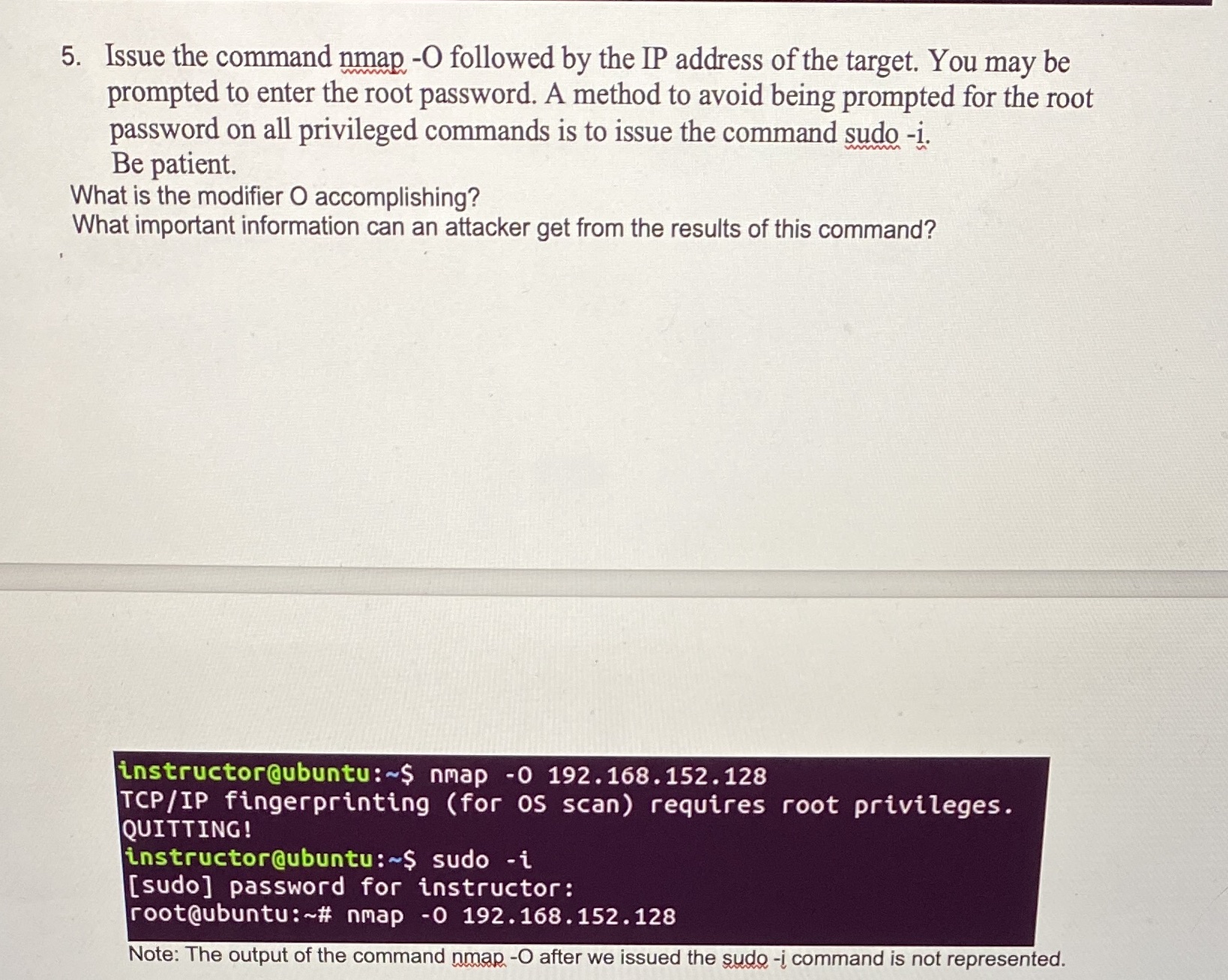
5. Issue the command nmap -O followed by the IP address of the target. You may be prompted to enter the root password. A method to avoid being prompted for the root password on all privileged commands is to issue the command sudo -i. Be patient. What is the modifier O accomplishing? wwwwww What important information can an attacker get from the results of this command? instructor@ubuntu:~$ nmap -0 192.168.152.128 TCP/IP fingerprinting (for OS scan) requires root privileges. QUITTING! instructor@ubuntu:~$ sudo -i [sudo] password for instructor: root@ubuntu:~# nmap -0 192.168.152.128 Note: The output of the command nmap -O after we issued the sudo -i command is not represented.
Step by Step Solution
There are 3 Steps involved in it

Get step-by-step solutions from verified subject matter experts
 Study Help