





Question: 5. Please note: This is a challenging question. You noticed that sales are not evenly spread across the year and are curious about which products
5. Please note: This is a challenging question.
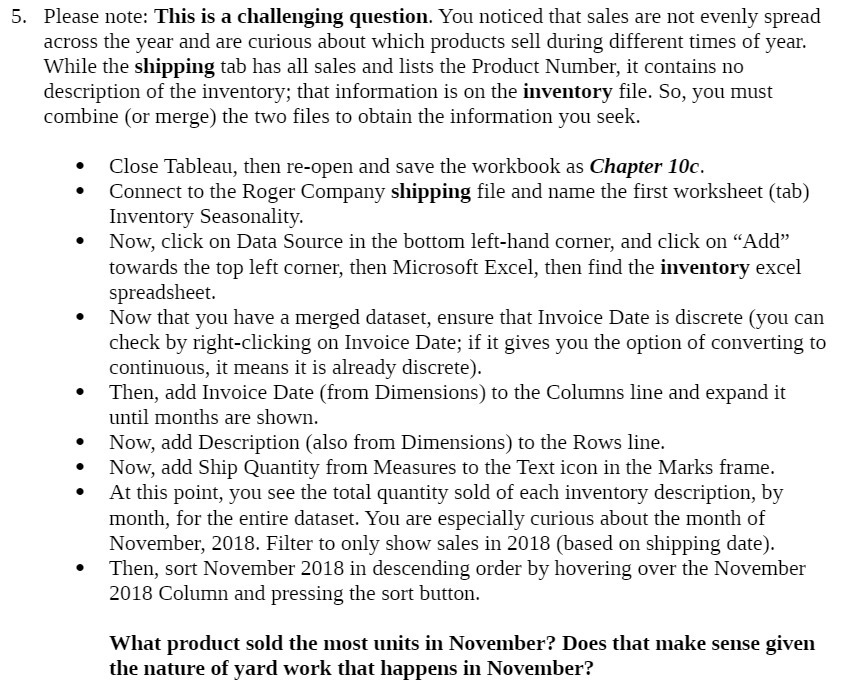
5. Please note: This is a challenging question. You noticed that sales are not evenly spread across the year and are curious about which products sell during different times of year. While The shipping tab has all sales and lists the Product Number, it contains no description of the inventory; that information is on the inventory le. So, you must combine (or merge) the two les to obtain the information you seek. Close Tableau, then re-open and save the workbook as Chapter 10c. Connect To the Roger Company shipping file and name the first worksheet (tab) Inventory Seasonality. Now, click on Data Source in The bottom left-hand corner, and click on \"Add\" towards the top left corner, then Microsoft Excel, then find the inventory excel spreadsheet. Now that you have a merged dataset, ensure that Invoice Date is discrete (you can check by right-clicking on Invoice Date; if it gives you the option of converting to continuous, it means it is already discrete). Then, add Invoice Date (from Dimensions) To the Columns line and expand it until monThs are shown. Now, add Description (also from Dimensions) to the Rows line. Now, add Ship Quantity from Measures to the Text icon in the Marks frame. At This point, you see the total quantity sold of each inventory description, by month, for the entire dataset. You are especially curious about the month of November, 2018. Filter to only show sales in 2018 (based on shipping date). Then, sort November 2018 in descending order by hovering over the November 2018 Column and pressing the sort button. What product sold the most units in November? Does that make sense given the nature of yard work that happens in November

Step by Step Solution

There are 3 Steps involved in it

1 Expert Approved Answer
Step: 1 Unlock blur-text-image

Question Has Been Solved by an Expert!

Get step-by-step solutions from verified subject matter experts

Step: 2 Unlock
Step: 3 Unlock

Students Have Also Explored These Related Accounting Questions!