



Question: 6 0 You have a Windows 1 0 Enterprise system that you are upgrading to Windows 1 1 Enterprise. You've already purchased and downloaded the
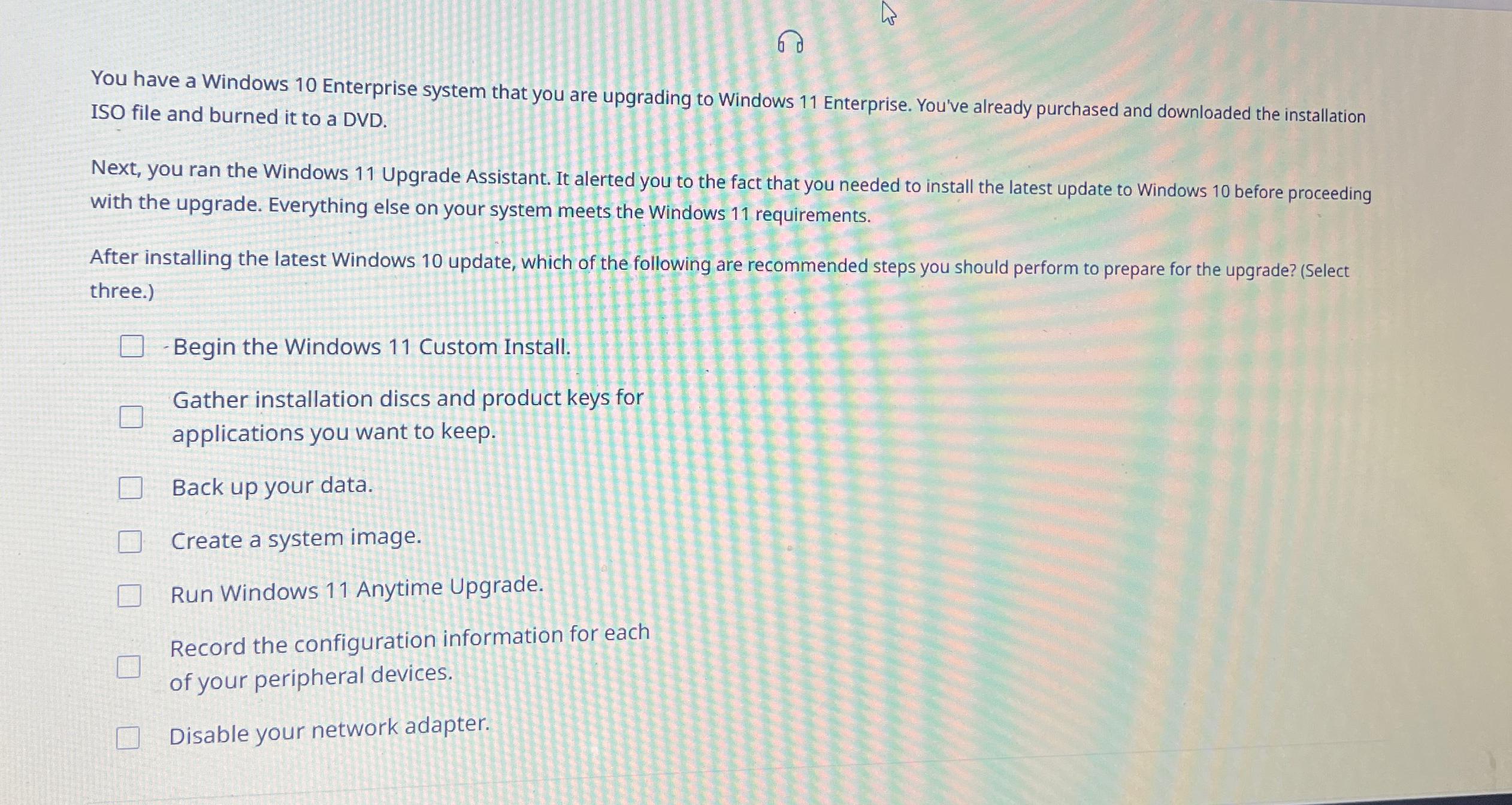
You have a Windows Enterprise system that you are upgrading to Windows Enterprise. You've already purchased and downloaded the installation ISO file and burned it to a DVD
Next, you ran the Windows Upgrade Assistant. It alerted you to the fact that you needed to install the latest update to Windows before proceeding with the upgrade. Everything else on your system meets the Windows requirements.
After installing the latest Windows update, which of the following are recommended steps you should perform to prepare for the upgrade? Select three.
Begin the Windows Custom Install.
Gather installation discs and product keys for applications you want to keep.
Back up your data.
Create a system image.
Run Windows Anytime Upgrade.
Record the configuration information for each of your peripheral devices.
Disable your network adapter.
Step by Step Solution
There are 3 Steps involved in it
1 Expert Approved Answer
Step: 1 Unlock

Question Has Been Solved by an Expert!
Get step-by-step solutions from verified subject matter experts
Step: 2 Unlock
Step: 3 Unlock