







Question: 6 . 1 3 LAB: Simulate the ` for ` loop and ` range ( ) ` Learning Goals In this lab, we will: Use
LAB: Simulate the for loop and range
Learning Goals
In this lab, we will:
Use the ifelse statements to run a preliminary check of the input before taking other actions
Use the print statement inside the loop
Provide the end argument to the print to correctly print the generated output sequence
Use the fstrings to format the output that needs to use variable names
Use the information from Section about how the range operates.
Instructions
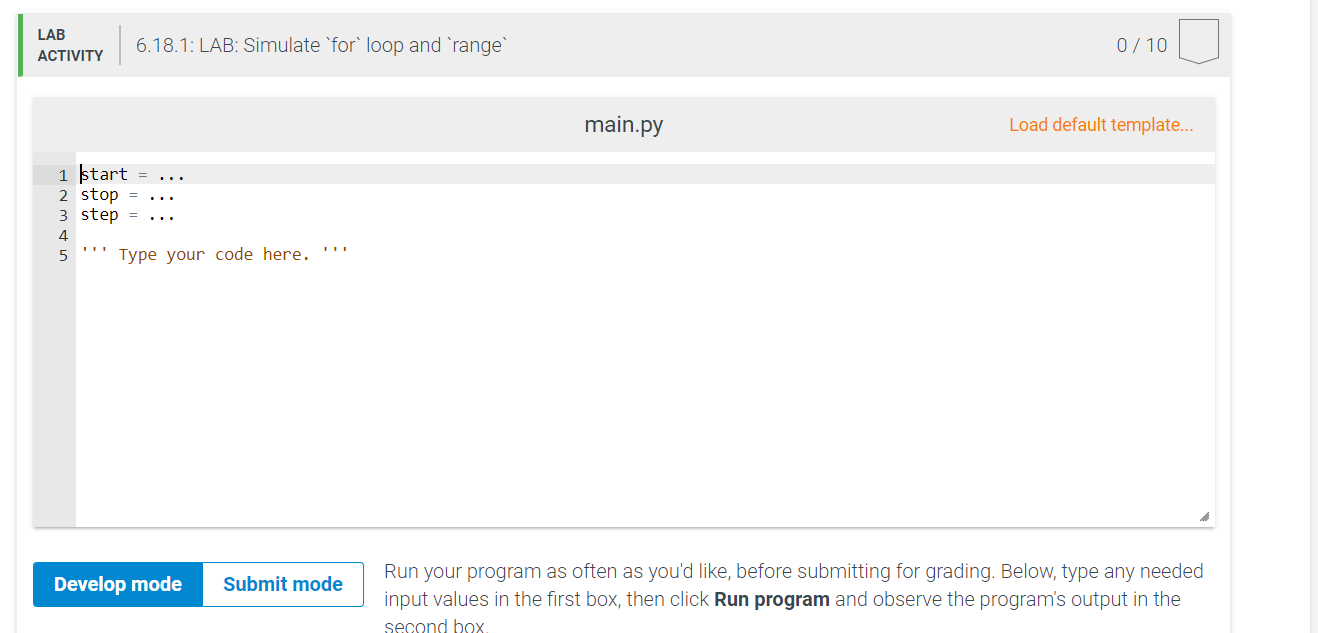
Write a program to simulate how a for loop works with the range
The input to your program will be integers: start, stop, step.
Check if stop start. If the second integer stop is less than the first number that was input start then see the example output below.
For example,
the output is:
range
Sequence is empty. Start is greater than or same as the stop.
Otherwise, if the stop value is greater than the start, proceed with the rest of the program.
Output the value of the start and keep subsequently incrementing it by step as long as the value is less than the stop.
For coding simplicity, output a space after every integer, including the last. Hint: remember that you can do it using the end
Once finished printing the sequence, display the explanation about the last element of the sequence as shown below.
Testing your code
If the input is:
the output is:
range
The end value is not included in the sequence.
The last value in the sequence is because
Hints
For coding simplicity, output a space after every integer, including the last. Hint: remember that you can do it using the end
"The last value in the sequence" refers to the last value in the generated sequence that was printed on the second line.
Step by Step Solution
There are 3 Steps involved in it
1 Expert Approved Answer
Step: 1 Unlock

Question Has Been Solved by an Expert!
Get step-by-step solutions from verified subject matter experts
Step: 2 Unlock
Step: 3 Unlock
 Study Help