







Question: # 6 - getSecretMessage ( s , key ) - 1 0 pts Can attempt after String Indexing, Slicing, and Looping lecture You can hide
# getSecretMessages keypts
Can attempt after String Indexing, Slicing, and Looping lecture
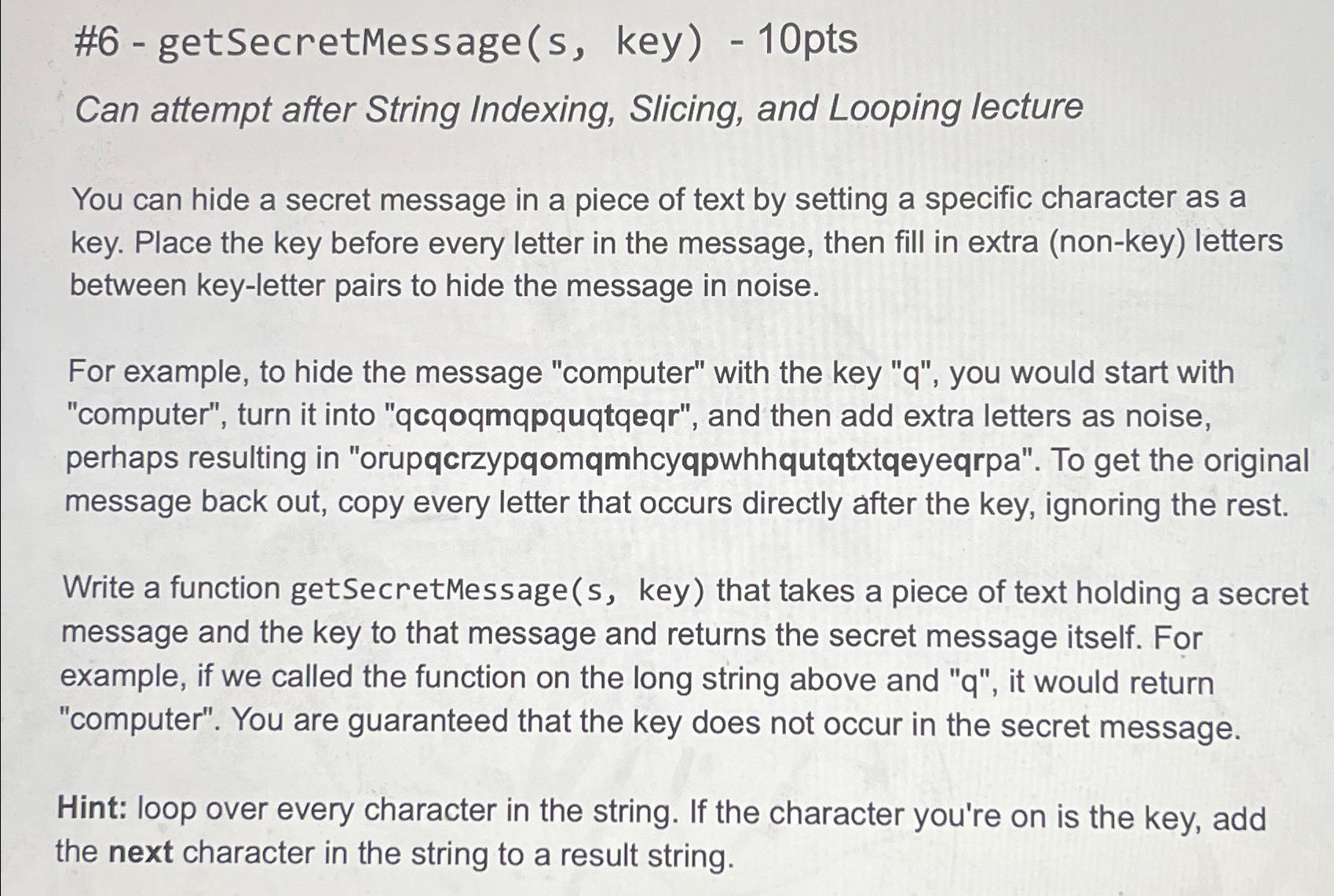
You can hide a secret message in a piece of text by setting a specific character as a key. Place the key before every letter in the message, then fill in extra nonkey letters between keyletter pairs to hide the message in noise.
For example, to hide the message "computer" with the key q you would start with "computer", turn it into "qcqoqmqpquqtqeqr", and then add extra letters as noise, perhaps resulting in "orupqcrzypqomqmhcyqpwhhqutqtxtqeyeqrpa". To get the original message back out, copy every letter that occurs directly after the key, ignoring the rest.
Write a function getSecretMessage key that takes a piece of text holding a secret message and the key to that message and returns the secret message itself. For example, if we called the function on the long string above and it would return "computer". You are guaranteed that the key does not occur in the secret message.
Hint: loop over every character in the string. If the character you're on is the key, add the next character in the string to a result string.
Step by Step Solution
There are 3 Steps involved in it
1 Expert Approved Answer
Step: 1 Unlock

Question Has Been Solved by an Expert!
Get step-by-step solutions from verified subject matter experts
Step: 2 Unlock
Step: 3 Unlock
 Study Help