







Question: 6. In AutoCAD, are two points that define the outer boundaries of a drawing area. A. arrays B. display grids C. grips D. limits 7.
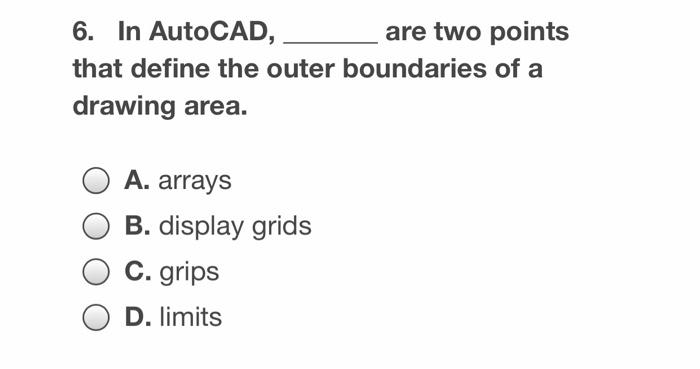
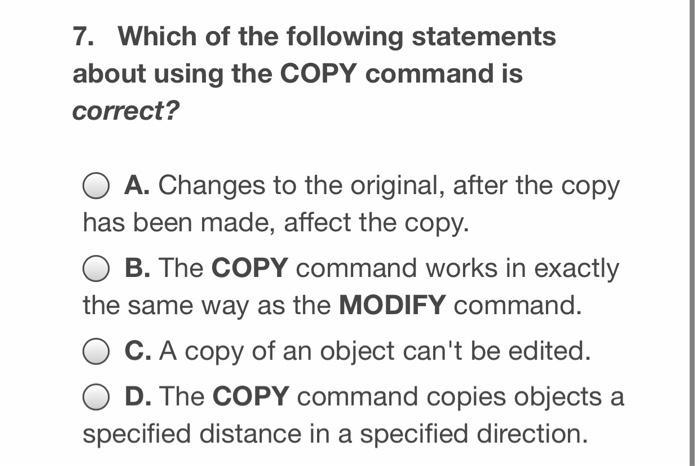
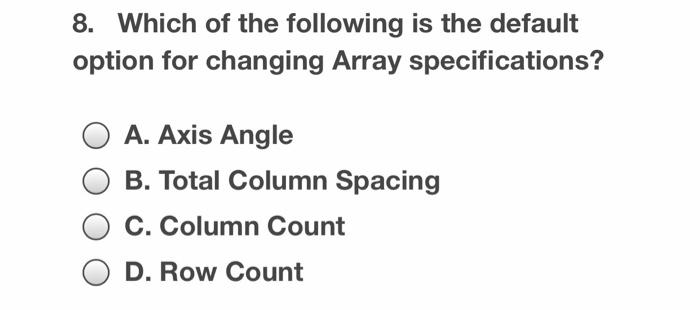
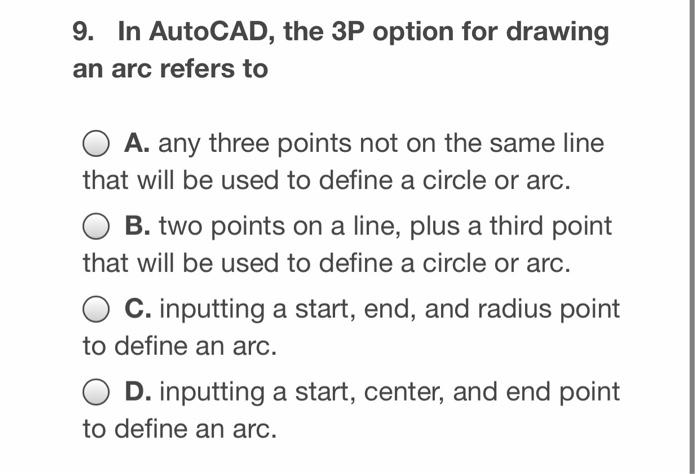
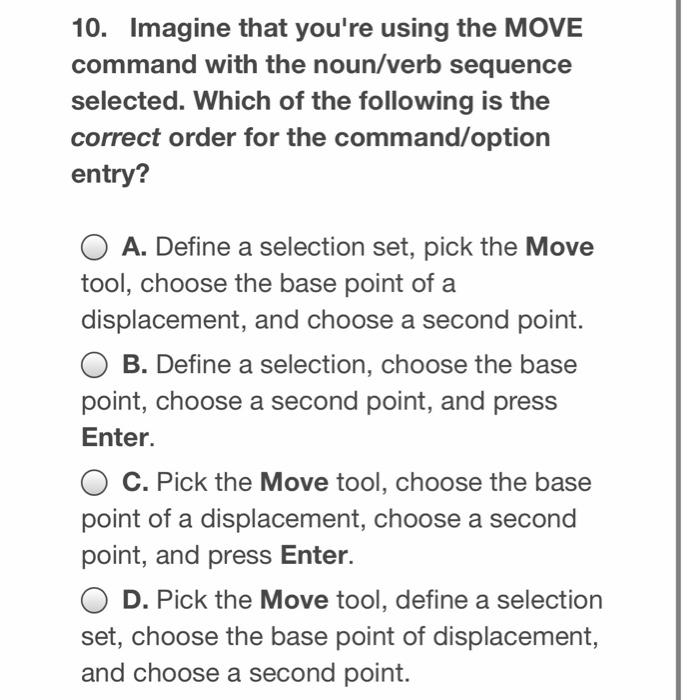
6. In AutoCAD, are two points that define the outer boundaries of a drawing area. A. arrays B. display grids C. grips D. limits 7. Which of the following statements about using the COPY command is correct? A. Changes to the original, after the copy has been made, affect the copy. B. The COPY command works in exactly the same way as the MODIFY command. C. A copy of an object can't be edited. D. The COPY command copies objects a specified distance in a specified direction. 8. Which of the following is the default option for changing Array specifications? O A. Axis Angle B. Total Column Spacing C. Column Count D. Row Count 9. In AutoCAD, the 3P option for drawing an arc refers to O A. any three points not on the same line that will be used to define a circle or arc. B. two points on a line, plus a third point that will be used to define a circle or arc. C. inputting a start, end, and radius point to define an arc. O D. inputting a start, center, and end point to define an arc. 10. Imagine that you're using the MOVE command with the noun/verb sequence selected. Which of the following is the correct order for the command/option entry? O A. Define a selection set, pick the Move tool, choose the base point of a displacement, and choose a second point. B. Define a selection, choose the base point, choose a second point, and press Enter. O C. Pick the Move tool, choose the base point of a displacement, choose a second point, and press Enter. D. Pick the Move tool, define a selection set, choose the base point of displacement, and choose a second point
Step by Step Solution
There are 3 Steps involved in it

Get step-by-step solutions from verified subject matter experts
 Study Help