



Question: 6. Select Show Compass. Move the compass to several positions around the magnet. What do you notice? 7. In the space below, sketch the compass
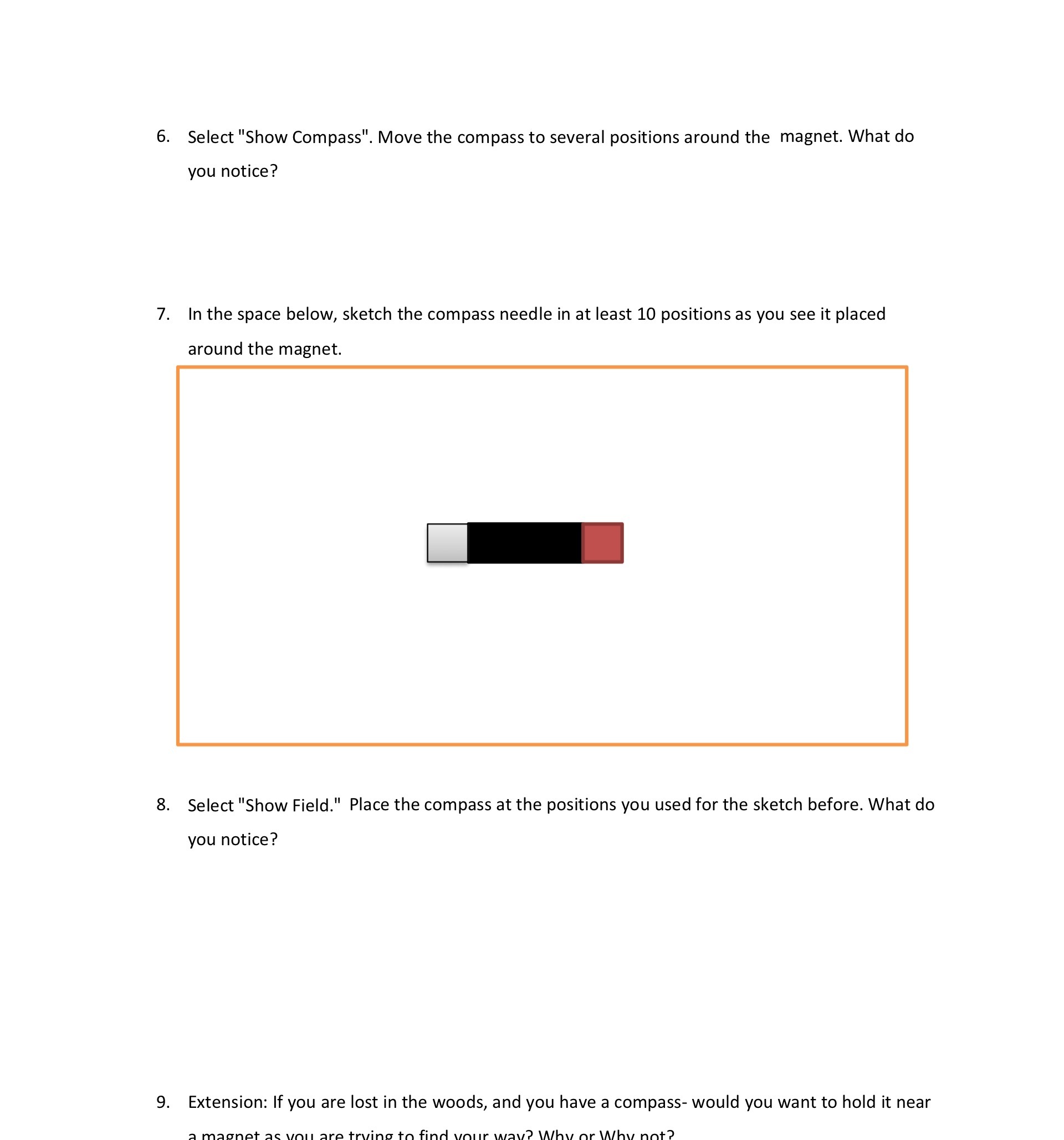
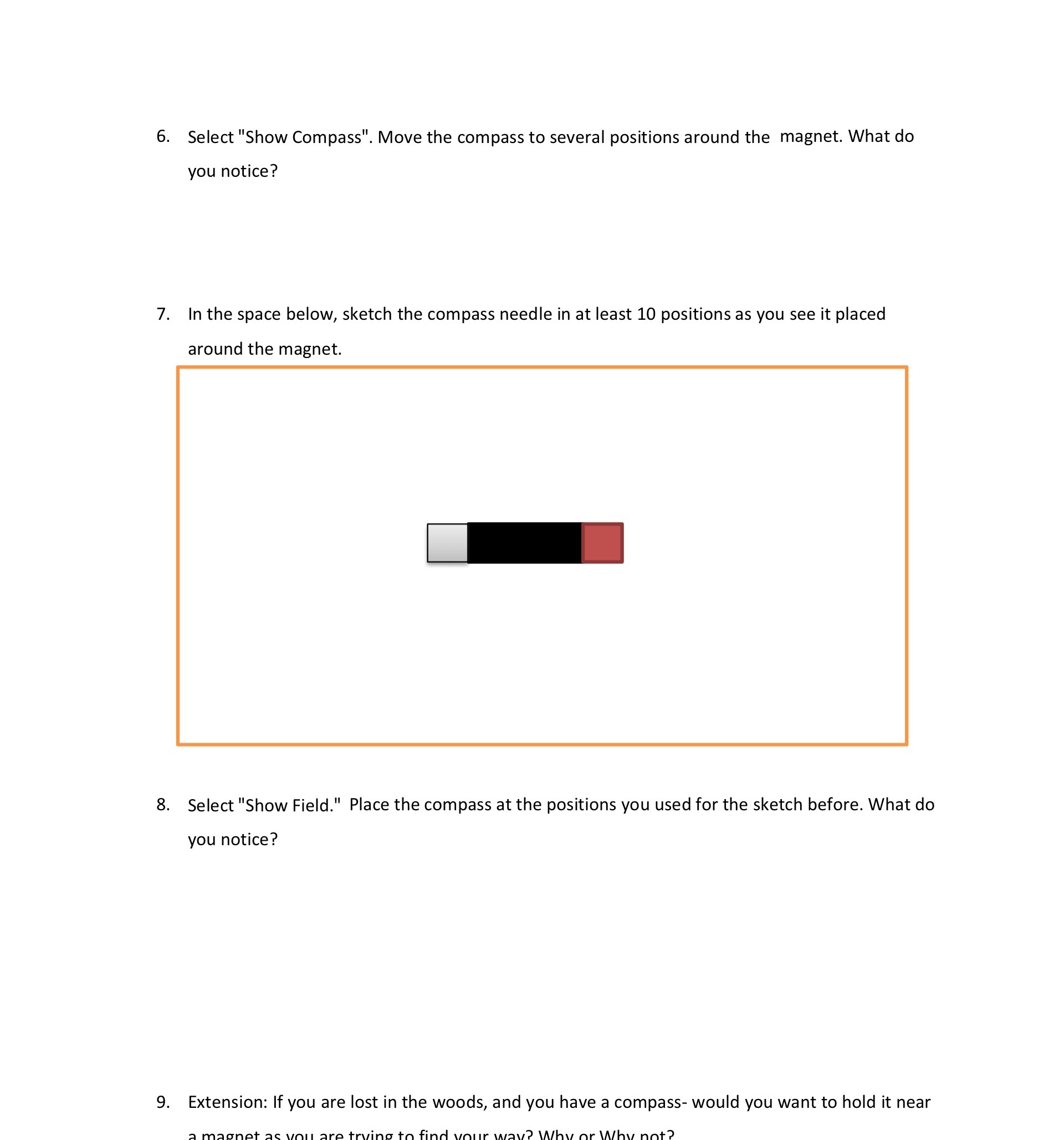
6. Select "Show Compass". Move the compass to several positions around the magnet. What do you notice? 7. In the space below, sketch the compass needle in at least 10 positions as you see it placed around the magnet. 8. Select "Show Field." Place the compass at the positions you used for the sketch before. What do you notice? 9. Extension: If you are lost in the woods, and you have a compass- would you want to hold it near
Step by Step Solution
There are 3 Steps involved in it
1 Expert Approved Answer
Step: 1 Unlock

Question Has Been Solved by an Expert!
Get step-by-step solutions from verified subject matter experts
Step: 2 Unlock
Step: 3 Unlock