







Question: 6. Virtual Machine Error You use virtual machines on your office computer so that you can run and test software in multiple operating system versions,
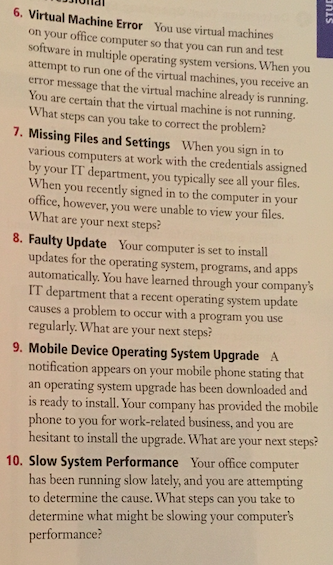
6. Virtual Machine Error You use virtual machines on your office computer so that you can run and test software in multiple operating system versions, When you attempt to run one of the virtual machines, you receive an error message that the virtual machine already is running. You are certain that the virtual machine is not running What steps can you take to correct the problem 7. Missing Files and Settings When you sign in to various computers at work with the credentials assigned by your IT department, you typically see all your files. When you recently signed in to the computer in your office, however, you were unable to view your files. What are your next steps? 8. Faulty Update Your computer is set to install updates for the operating system, programs, and apps automatically. You have learned through your company's IT department that a recent operating system update causes a problem to occur with a program you use regularly. What are your next steps: 9. Mobile Device Operating System Upgrade A notification appears on your mobile phone stating that an operating system upgrade has been downloaded and is ready to install. Your company has provided the mobile phone to you for work-related business, and you are hesitant to install the upgrade. What are your next steps? 10. Slow System Performance Your office computer has been running slow lately, and you are attempting to determine the cause. What steps can you take to determine what might be slowing your computer's performanc
Step by Step Solution
There are 3 Steps involved in it

Get step-by-step solutions from verified subject matter experts
 Study Help