







Question: 6 . With the worksheets still grouped, format cell A 1 using the Orange, Accent 1 , Lighter ( mathbf { 8 0
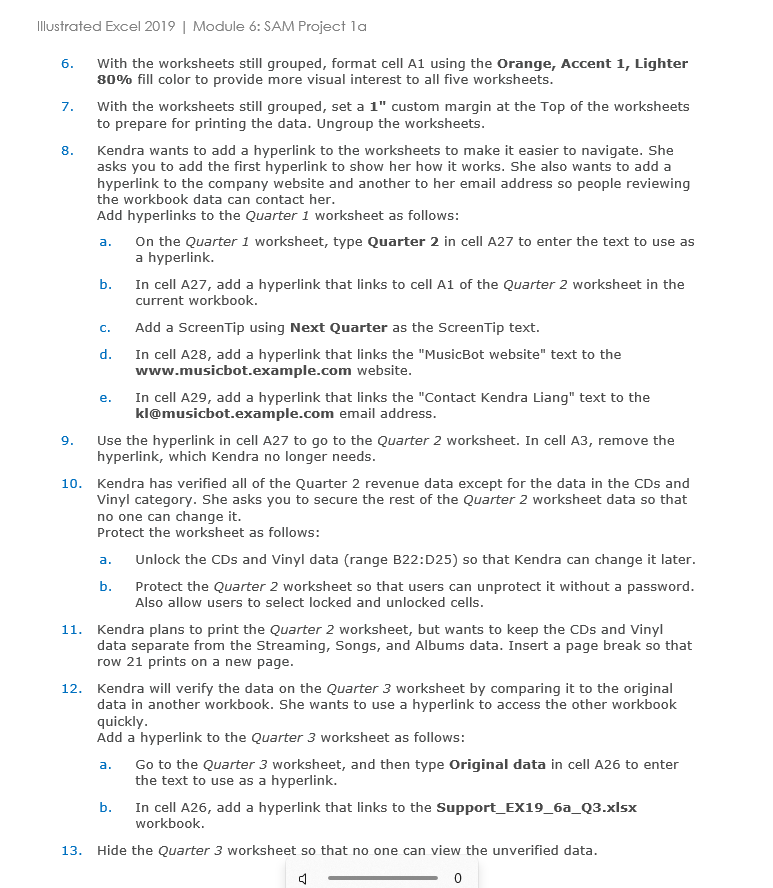
With the worksheets still grouped, format cell A using the Orange, Accent Lighter mathbf fill color to provide more visual interest to all five worksheets.
With the worksheets still grouped, set a custom margin at the Top of the worksheets to prepare for printing the data. Ungroup the worksheets.
Kendra wants to add a hyperlink to the worksheets to make it easier to navigate. She asks you to add the first hyperlink to show her how it works. She also wants to add a hyperlink to the company website and another to her email address so people reviewing the workbook data can contact her.
Add hyperlinks to the Quarter worksheet as follows:
a On the Quarter worksheet, type Quarter in cell A to enter the text to use as a hyperlink.
b In cell A add a hyperlink that links to cell A of the Quarter worksheet in the current workbook.
c Add a ScreenTip using Next Quarter as the ScreenTip text.
d In cell A add a hyperlink that links the "MusicBot website" text to the wwwmusicbot.example.com website.
e In cell A add a hyperlink that links the "Contact Kendra Liang" text to the kI@musicbot.example.com email address.
Use the hyperlink in cell A to go to the Quarter worksheet. In cell A remove the hyperlink, which Kendra no longer needs.
Kendra has verified all of the Quarter revenue data except for the data in the CDs and Vinyl category. She asks you to secure the rest of the Quarter worksheet data so that no one can change it
Protect the worksheet as follows:
a Unlock the CDs and Vinyl data range B:D so that Kendra can change it later.
b Protect the Quarter worksheet so that users can unprotect it without a password. Also allow users to select locked and unlocked cells.
Kendra plans to print the Quarter worksheet, but wants to keep the CDs and Vinyl data separate from the Streaming, Songs, and Albums data. Insert a page break so that row prints on a new page.
Kendra will verify the data on the Quarter worksheet by comparing it to the original data in another workbook. She wants to use a hyperlink to access the other workbook quickly.
Add a hyperlink to the Quarter worksheet as follows:
a Go to the Quarter worksheet, and then type Original data in cell A to enter the text to use as a hyperlink.
b In cell A add a hyperlink that links to the SupportEXaQxlsx workbook.
Hide the Quarter worksheet so that no one can view the unverified data.
Step by Step Solution
There are 3 Steps involved in it
1 Expert Approved Answer
Step: 1 Unlock

Question Has Been Solved by an Expert!
Get step-by-step solutions from verified subject matter experts
Step: 2 Unlock
Step: 3 Unlock
 Study Help