







Question: 6. Write a script in the JavaScript file that checks the quantity of an item and calculates the discount accordingly. 7. Take input from the
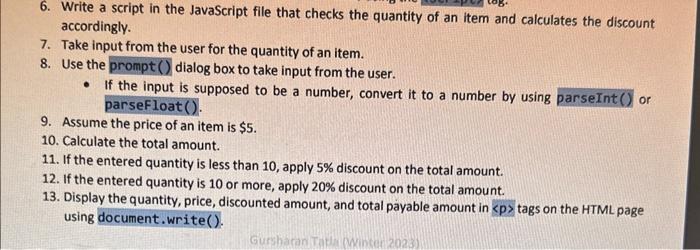
6. Write a script in the JavaScript file that checks the quantity of an item and calculates the discount accordingly. 7. Take input from the user for the quantity of an item. 8. Use the prompt() dialog box to take input from the user. - If the input is supposed to be a number, convert it to a number by using parsefloat(). 9. Assume the price of an item is $5. 10. Calculate the total amount. 11. If the entered quantity is less than 10 , apply 5% discount on the total amount. 12. If the entered quantity is 10 or more, apply 20% discount on the total amount. 13. Display the quantity, price, discounted amount, and total payable amount in p tags on the HTML page using document.write(). 6. Write a script in the JavaScript file that checks the quantity of an item and calculates the discount accordingly. 7. Take input from the user for the quantity of an item. 8. Use the prompt() dialog box to take input from the user. - If the input is supposed to be a number, convert it to a number by using parsefloat ( ). 9. Assume the price of an item is $5. 10. Calculate the total amount. 11. If the entered quantity is less than 10 , apply 5% discount on the total amount. 12. If the entered quantity is 10 or more, apply 20% discount on the total amount
Step by Step Solution
There are 3 Steps involved in it

Get step-by-step solutions from verified subject matter experts
 Study Help